
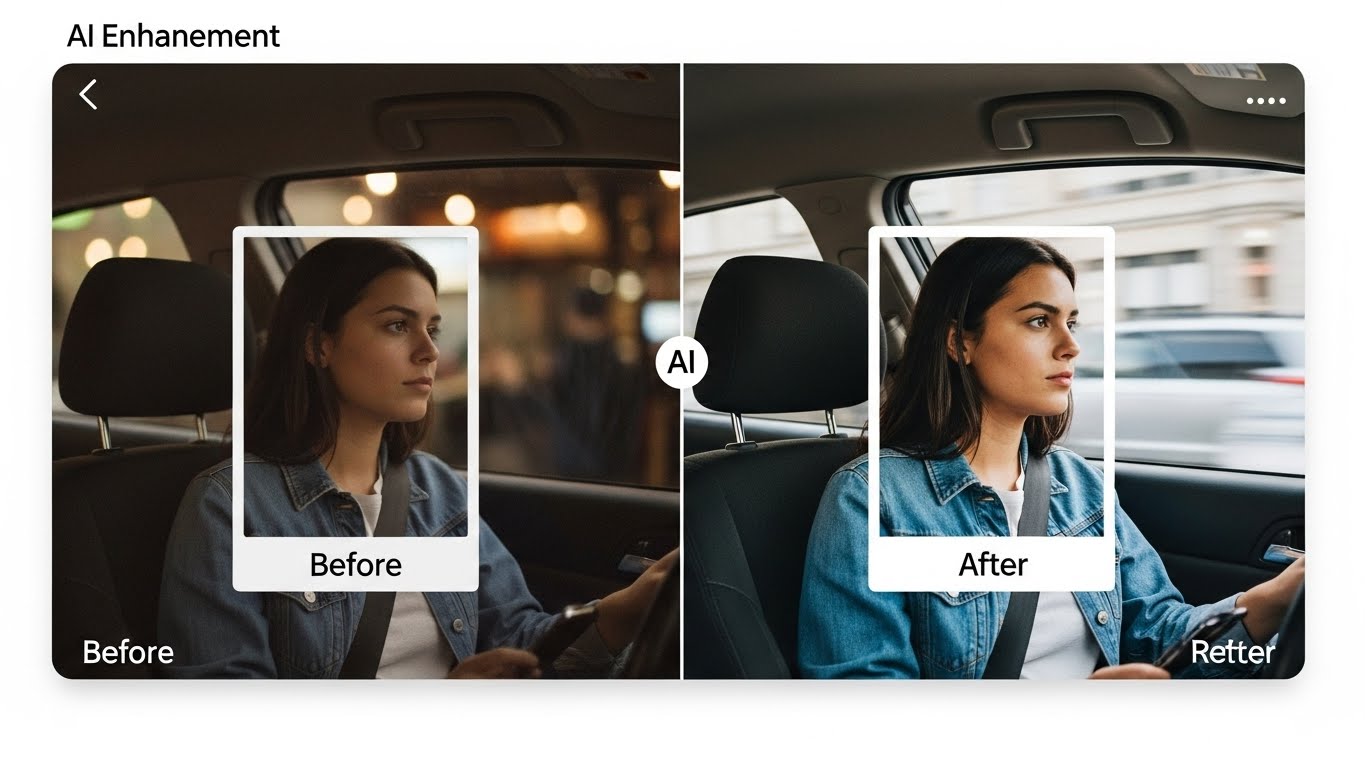
Mastering the Pixel: A Real-World Guide to AI Based Apps To Improve Social Media Visuals
I still remember the specific kind of panic that used to set in around 2026 when I needed to create a week’s worth of social content. I would be sitting on the floor of my apartment, surrounded by foam boards and ring lights, manually masking a product photo in Photoshop with the magnetic lasso tool. If my hand slipped, I lost ten minutes. If the lighting changed outside, the shoot was ruined.
Fast forward to this morning. I took a photo of a client’s skincare bottle on my messy desk. The lighting was flat. There was a coffee stain on the table. Within three minutes, using just my phone and two specific apps, that bottle was sitting on a marble podium with a “golden hour” sun flare hitting the label, sized perfectly for a TikTok Story, with auto-generated captions ready to go.
We are currently living through a tectonic shift in how digital content is made. It isn’t just about filters anymore; it’s about computational photography and generative editing. However, after testing hundreds of these tools for my own channels and client accounts, I can tell you that 90% of them are novelty toys. They create visuals that look “plasticky,” fake, and inherently untrustworthy.
But that remaining 10%? They are absolute superpowers for creators and businesses.
AI-based apps to improve social media visuals are not magic wands that replace creativity; they are force multipliers that replace tedium. In this comprehensive guide, I am going to walk you through the tools that actually work in a professional workflow, the specific techniques for using them without looking like a robot, and the ethical lines you need to watch out for to maintain your audience’s trust.
The Evolution of the “Perfect” Feed
Social media visual standards have changed drastically over the last decade. We went from the over-saturated, heavy-vignette era of early Instagram to the curated, minimalist aesthetic of the “influencer” boom. Now, we are in the era of “authentic polish.” Audiences crave content that looks high-end but feels spontaneous. This paradox is incredibly difficult to achieve manually.
AI visual tools bridge this gap by handling the technical lifting—lighting correction, resolution upscaling, and composition adjustment—so you can focus on the storytelling. The danger, of course, is the “Uncanny Valley.” We have all seen those LinkedIn posts where someone has clearly used an AI headshot generator that gave them too many teeth or skin that looks like vinyl.
High-quality content creation today requires a hybrid approach. You shoot real photos and videos, then you use AI as a digital darkroom. I categorize the current landscape of useful apps into four distinct buckets:
- Restoration and Enhancement (Fixing what you shot).
- Generative Composition (Changing the environment).
- Video and Motion (The new frontier of engagement).
- Branding and Design (Layouts and assets).
Let’s break these down by the specific apps that are surviving the hype cycle and delivering real results.
The “Clean Up” Crew: Enhancement and Restoration
AI photo enhancers are the most practical entry point for most people. We don’t always have professional lighting gear or the perfect camera lens. Sometimes, the best moments happen in a dimly lit bar or in a moving car.
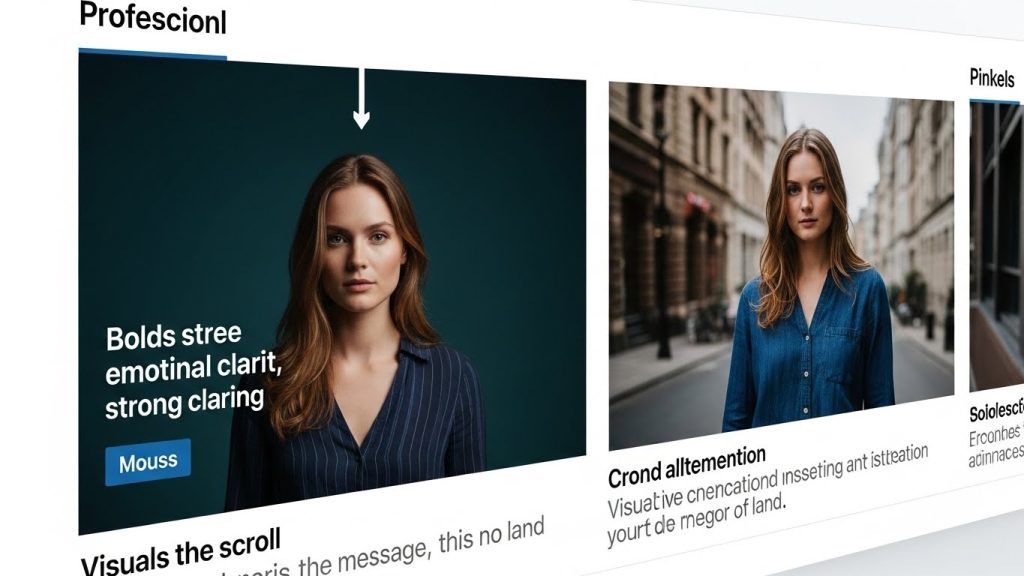
Remini has firmly established itself as the market leader in this space, and for good reason. Originally designed to restore old vintage photos, its facial reconstruction algorithms are startlingly good. When you upload a blurry or low-resolution image, the app doesn’t just sharpen the edges; it uses a database of millions of faces to predict what the eyes, nose, and mouth should look like, and essentially reconstructs the face.
Using Remini effectively requires restraint. The biggest mistake I see creators make is running a photo through Remini at 100% intensity. The result is often a face that looks like a high-definition painting rather than a photograph. My personal workflow is to run the enhancement, save the image, and then open it in a layering app (like Snapseed or Lightroom) to blend the original photo back in at about 30% opacity. This brings back some natural skin texture and noise, grounding the image in reality.
Adobe Lightroom Mobile has also integrated massive AI updates that fly under the radar. The “Masking” feature is the game-changer here. Previously, if I wanted to brighten a subject’s face but darken the sky behind them, I had to paint the mask with my finger—a clumsy process on a smartphone. Now, I tap “Select Subject,” and the AI instantly identifies the human.
Lightroom’s Denoise AI is another feature that justifies the Creative Cloud subscription. If you are shooting in low light (like at a concert or an evening event), your phone’s sensor introduces “noise” or grain. Standard noise reduction blurs the image, making it look muddy. AI Denoise analyzes the image to distinguish between detail (an eyelash) and noise (a random pixel), removing grain while preserving sharpness. For social media, where compression already hurts image quality, starting with a clean, noise-free file is crucial.
Upscaling tools are also vital for repurposing content. Often, a client will send me a small WhatsApp image and ask me to turn it into a Facebook banner. Apps like Pixelmator Pro (on iPad/Mac) or SuperImage (on Android) use “Super Resolution” to quadruple the pixel count without creating jagged edges. This allows you to crop in tight on a wide shot without losing quality—a lifesaver when you need to turn a landscape photo into a vertical Reel cover.
The “Expand and Fill” Revolution: Composition
Generative fill for social media is perhaps the most significant workflow accelerator I have adopted in the last two years. The problem is a classic one: You take a horizontal photo for a website header, but now you need to post it on TikTok or Instagram Stories, which requires a 9:16 vertical ratio. If you just zoom in, you cut off half the subject.
Canva’s Magic Expand addresses this head-on. You place your horizontal image on a vertical canvas, hit the button, and the AI “hallucinates” the rest of the image. It looks at the floor’s pixels and generates more floor. It looks at the trees in the background and extends the forest.
Real-world application: I recently managed a campaign for a sneaker brand. We had a great shot of a shoe on a sidewalk, but the photographer framed it too tightly. There was no room to add the text overlay for the sale announcement. Using generative expansion, I added three inches of concrete texture to the bottom and more cityscape to the top. The transition was seamless. The algorithm understands perspective, so the cracks in the sidewalk continued naturally.
Photoroom is the other titan in this category, specifically for product-based businesses. If you sell on Shopify, Etsy, or just promote products on Instagram, this app is non-negotiable. It separates the subject from the background with greater accuracy than Photoshop’s automatic tools did five years ago.
AI background generation in Photoroom goes a step further. It doesn’t just paste your product onto a stock photo; it generates a background that matches the lighting perspective. If I take a picture of a candle, Photoroom can place it on a wooden table near a window. Crucially, it will add a shadow that falls in the correct direction based on the “light source” in the generated background.
Visual consistency is key here. If you use these tools, stick to a “vibe.” If you choose minimalist marble backgrounds for your products, keep that consistent across your feed. The AI lets you generate infinite variations of “marble table,” so your feed looks cohesive without being repetitive.
Video is King: The AI Director in Your Pocket
AI video editing tools are currently evolving faster than any other category. The algorithms on Instagram and TikTok heavily favor video, but producing video has historically been hard. It requires audio mixing, cutting, coloring, and captioning.
Captions (the app) has completely dominated the “talking head” genre. You’ve seen these videos: high-energy subtitles that pop up word by word, colored to match the brand. Doing this manually in Premiere Pro takes hours. Captions do it in seconds by transcribing the audio.
Eye Contact AI is a controversial but powerful feature within the Captions ecosystem. It uses AI to re-route your pupils to look at the camera, even if you are reading a script on your screen.
- My experience: It works, but it can be intense. When I use it, I often dial the intensity down or only apply it to specific segments. Unblinking, perfect eye contact triggers a primal “danger” response in humans. We naturally look away when we think. If the AI forces you to stare into the soul of the viewer for 60 seconds, it feels predatory. Use with caution.
Opus Clip is the standard for content repurposing. This is essential for anyone doing podcasts, webinars, or long-form YouTube videos. You feed Opus a link to a 40-minute video, and it uses Natural Language Processing (NLP) to identify the most viral, interesting “hooks.” It then slices the video into 10 vertical clips, centers the speaker (even if they move), and adds captions.
AI-driven curation saves mental energy. Instead of watching my own 40-minute interview to find the “good part,” Opus gives me a ranked list based on what it thinks will perform well. It’s not right 100% of the time—it sometimes misses context or sarcasm—but it gets me to the starting line much faster.
Descript deserves a mention here for its text-based video editing. This is a desktop tool, but it is essential for social video. It transcribes your video, and if you want to delete a “um” or a stammer, you just delete the word in the text document, and the AI cuts the video frame perfectly. They also have a feature called “Overdub,” where you can type a new word, and an AI clone of your own voice will speak it, correcting the audio without you having to re-record. It is frighteningly accurate.
Design and Branding: The End of “Blank Page Syndrome”
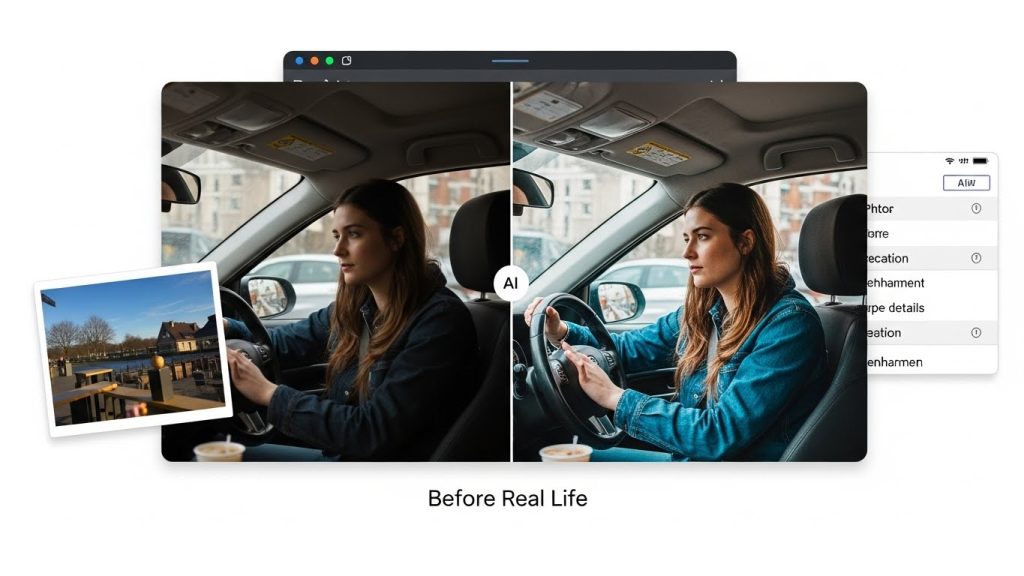
Social media design automation helps those of us who are not naturally gifted graphic designers. We know we need a carousel for LinkedIn or a quote card for Instagram, but staring at a blank white square is paralyzing.
Microsoft Designer and Adobe Express are integrating generative image creation directly into layout tools. Instead of searching for a stock photo of “happy team in office,” which usually yields cheesy, staged results, you can generate an image that matches your brand colors specifically.
Brand kit integration is where the efficiency lies. These AI tools can ingest your logo, hex codes, and fonts. When you ask for a “summer sale post,” it generates the layout using your assets. It understands that your logo goes in the bottom-right corner and that your font is Helvetica.
Tailwind’s Ghostwriter is another interesting tool that bridges visual and text. It analyzes the image you uploaded and suggests captions and hashtags. While I rarely use the captions verbatim (they tend to sound a bit generic), they are excellent for breaking writer’s block. It might suggest an angle I hadn’t thought of, which I can then rewrite in my own voice.
The Creator Economy: Headshots and Avatars
AI professional headshots became a massive trend recently with apps like Aragon, HeadshotPro, and Try It On. The premise is simple: upload 10-20 selfies, and the AI trains a model on your face to generate professional-looking corporate headshots.
The results vary wildly. I tested this with a few colleagues. For men, the results were generally safer and more usable. For women, the AI often had a tendency to “sexualize” or over-glamourize the output—adding makeup that wasn’t there, slimming faces, or changing clothing to be more revealing. This is a known bias in the training data of these models.
Authenticity vs. Utility: If you need a LinkedIn photo and truly cannot afford a photographer, these are a viable last resort. However, I always advise clients: ” Do you look like the photo? If a client meets you on a Zoom call and you look 15 years older or 30 pounds heavier than your AI headshot, you have started the relationship with a lie. Trust is hard to gain and easy to lose. If you use an AI headshot, pick the one that looks most like you on a Tuesday morning, not the one that looks like you on the cover of Vogue.
Workflow: Integrating AI without Losing Your Soul
Social media content workflow is where these apps shine. The goal is not to let AI do everything, but to let AI create the “base layer” that you then refine.
Here is a realistic workflow I use for a product launch:
- Shoot: Take raw photos and videos with an iPhone. Focus on sharp focus, not a perfect background.
- Cull: Use an AI tool (like the one built into Lightroom web or various photo managers) to group duplicates and flag the sharpest images.
- Edit:
- Stills: Run through Lightroom for color correction (using AI masking).
- Product Shots: Send to Photoroom to generate clean backgrounds that match the campaign color palette.
- Video: Upload raw footage to Captions for subtitles and audio cleanup (noise reduction).
- Polish: Bring the assets into Canva. Use Magic Expand if the aspect ratios are wrong. Add text overlays.
- Caption: Use ChatGPT or Tailwind to brainstorm hook ideas, then rewrite them manually.
Batching content becomes infinitely easier. I can sit down for two hours and produce a month’s worth of visuals because I’m not spending 45 minutes masking a single photo.
The Technical Details: How to Spot Quality
AI image resolution is a major differentiator between good and bad apps. Many free AI generators output images at 1024×1024 pixels. This looks fine on a phone screen but falls apart on a desktop or retina display.
Look for vector support or high-res export. Apps that let you export to PNG or TIFF formats are generally aimed at professional use. If an app only lets you save a compressed JPEG, it’s a toy.
Edge detection quality is the stress test. To test an app, upload a photo of someone with curly hair or a fuzzy sweater against a complex background. Bad AI will smooth the hair into a helmet or cut off the sweater’s fuzz, creating a “paper cutout” look. Good AI (like the latest iterations of Photoshop Express or Photoroom) will preserve the fine transparency of the hair strands.
Ethical Considerations and the “Trust” Factor
Ethical AI usage is the elephant in the room. As these tools become ubiquitous, we have to talk about transparency.
Copyright issues are still murky. The US Copyright Office has generally stated that fully AI-generated images cannot be copyrighted. However, images that are edited with AI (human authorship + AI assistance) are safer. If you are a brand, you need to be careful about using fully generative images for key brand assets (like logos or mascots) because you might not legally own them.
The “AI Glaze”: Audiences are getting smart. They can spot the “Midjourney shine”—that overly smooth, hyper-symmetrical, glowing look. When a user sees a clearly fake image, they subconsciously tag the account as “spammy” or “low effort.”
My golden rule for clients: Use AI to enhance reality, not to invent it.
- Okay: Removing a trash can from the background of a street shot.
- Not Okay: Placing yourself in front of the Eiffel Tower when you are actually in Ohio.
- Okay: Smoothing skin texture slightly to fix bad lighting.
- Not Okay: Changing your bone structure or race.
Transparency labels are coming. Instagram and TikTok have launched features allowing (and sometimes requiring) users to label content as “AI Generated.” My advice? Embrace it. If you post a piece of digital art made with AI, tag it. It shows respect for your audience. If you used AI just to clean up audio or fix lighting, that generally falls under standard editing and doesn’t require a disclaimer, but the line is shifting.
SEO Implications of AI Visuals
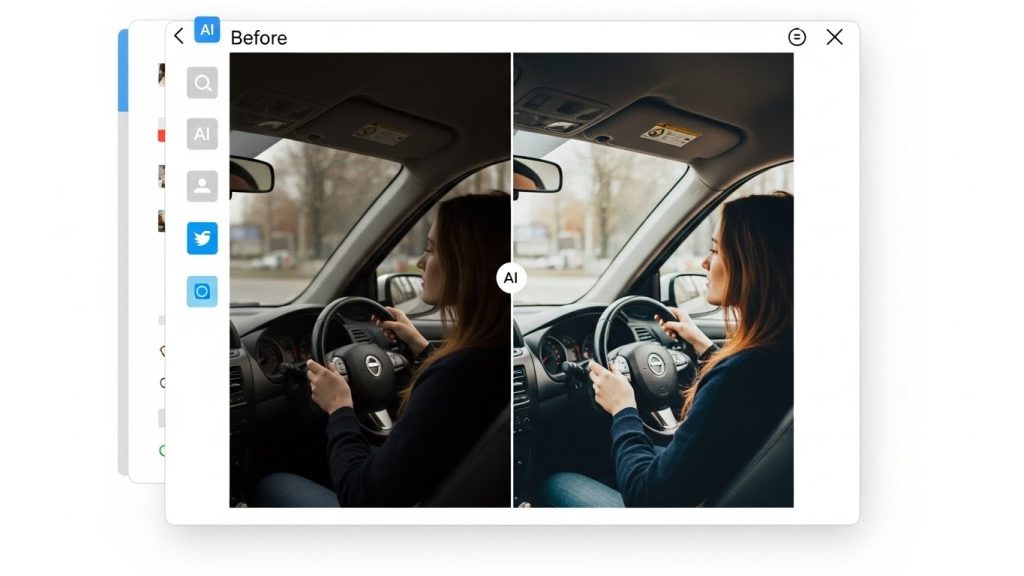
Visual search optimization is an often-overlooked benefit of these tools. Search engines (Google, Pinterest, and Instagram’s internal search) use computer vision to understand the content of an image.
Clearer subjects mean better ranking. If you use AI to brighten your product and remove a cluttered background, the computer vision algorithms can more easily identify “Red Leather Handbag.” If the photo is dark and messy, the AI might miscategorize it. Using tools to clean up your visuals is essentially doing SEO for your images.
Alt-text generation: Many of these apps now suggest Alt Text (alternative text for screen readers). While you should always review and edit this for accuracy and keywords, having AI generate the first draft ensures you don’t skip this crucial accessibility and SEO step.
Future-Proofing Your Skill Set
The future of social media management is not about knowing how to use the Pen Tool in Photoshop; it is about “Prompt Engineering” and “Curation.”
Prompting is the skill of talking to the AI. In tools like Canva, Magic Media, or Adobe Firefly, the difference between a mediocre image and a stunning one is the text prompt. Learning to describe lighting (“volumetric lighting,” “God rays,” “diffused softbox”), texture (“knitted wool,” “matte finish”), and camera angles (“low angle,” “macro lens”) is the new technical requirement for creators.
Curation is the ability to look at four AI-generated options and know which one feels human. The AI has no taste. It has no concept of current trends, irony, or emotional resonance. It just predicts pixels. You are the taste-maker.
Conclusion: The Human Element Remains
We are in a time of incredible noise. The volume of content being produced is exploding because AI has lowered the barrier to entry to zero. Anyone can generate a generic “sunset over a beach” image in 4 seconds.
Because of this, generic content is becoming worthless.
The value has shifted to the specific, the personal, and the flawed. A shaky, handheld video of you talking passionately about your product is worth more than a polished, AI-generated avatar reading a perfect script.
AI-based apps to improve social media visuals should be in your toolkit, absolutely. I use them every single day. They save me time, they save me money, and they save me from repetitive strain injury. But I treat them as my assistants, not my replacements.
Use Remini to save the blurry photo of your grandmother laughing, because the emotion is real. Use Photoroom to make your product look professional, because it respects your customer’s eye. Use Captions to make your video accessible to the deaf community.
But keep your finger on the shutter. Keep your face in the frame. And never let the algorithm edit out the parts of you that make you real. In an artificial world, humanity is the ultimate premium feature.
Quick Reference: The Expert’s Toolkit
To wrap up, here is a quick-fire list of the specific apps mentioned and their best use cases, based on my current stack:
- Adobe Lightroom Mobile: Best for overall color grading and subject masking. The industry standard for a reason.
- Remini: Best for saving low-quality, blurry, or old photos. Use the slider to reduce intensity!
- Photoroom: Best for e-commerce and product photography. The background generation is best-in-class.
- Canva (Magic Studio): Best all-rounder for layout, generative expansion, and turning docs into decks.
- Captions: Best for talking-head video editing, subtitles, and eye-contact correction.
- Opus Clip: Best for podcasters and long-form video creators looking for viral clips.
- Pixelmator Pro: Best for upscaling and removing objects on iOS/Mac without a subscription to Adobe.
- Snapseed: Best free option. Google owns it. It has great “Healing” tools, though it lacks the generative AI power of the newer apps.
The tools will change. Next year, there will be a new app that does something we can’t even imagine today. But the principle will remain the same: Tool + Human Taste = Magic.