
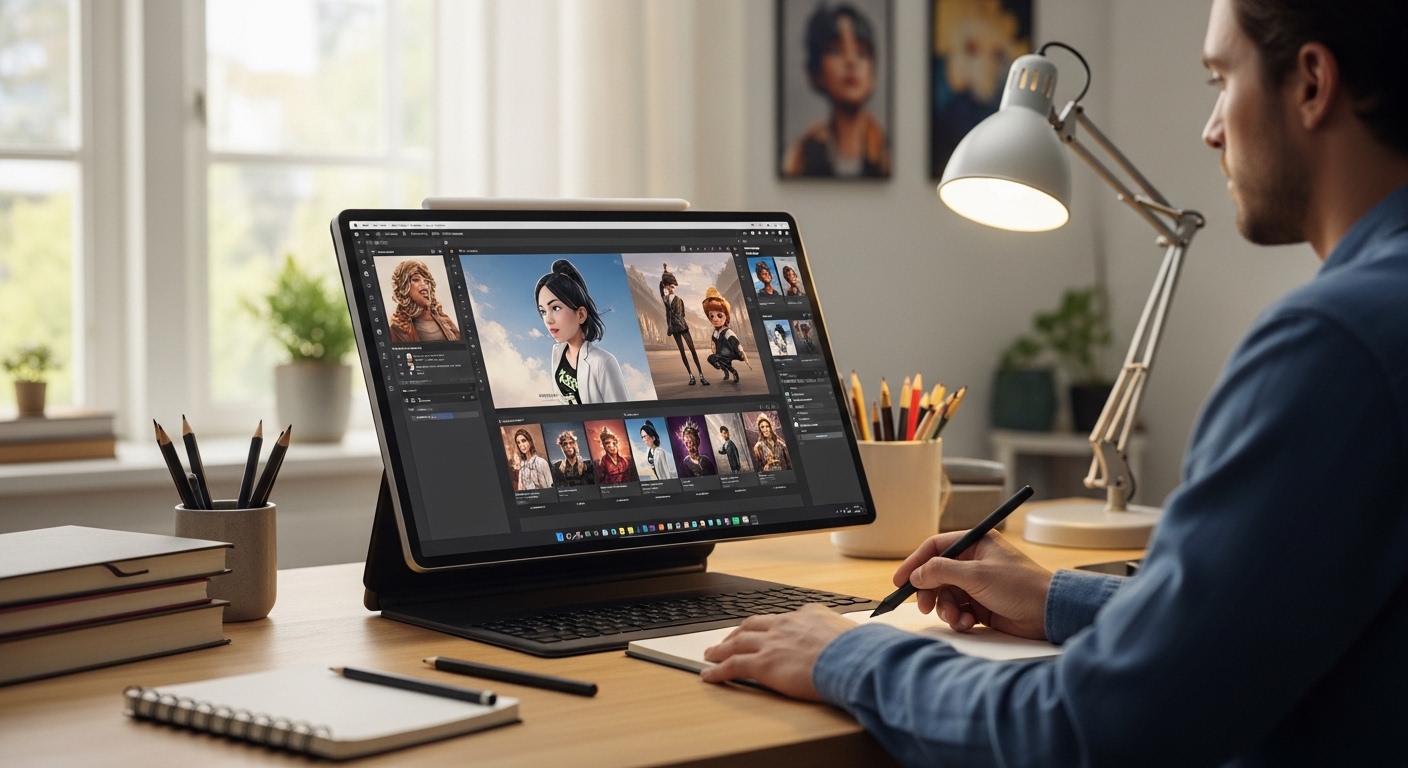
I’ll be honest with you—when these tools first started appearing on my radar about two years ago, I was skeptical. After spending fifteen years perfecting my craft with traditional illustration software, the idea of algorithms creating artwork felt like a threat rather than an opportunity. Fast forward to today, and I’ve completely reversed my position. Not because these tools replace what I do, but because they’ve fundamentally changed how I work.
The world of AI illustration software for designers has evolved dramatically in recent years. What started as experimental technology producing distorted images has matured into sophisticated platforms capable of generating professional-quality artwork. As someone who has integrated these tools into daily creative workflows, I want to share genuine insights about what works, what doesn’t, and how to make informed decisions about adopting this technology.
Let me walk you through what I’ve learned from actually using these platforms day in and day out, including the stuff most reviews won’t tell you.
Understanding the Current Landscape of AI Illustration Tools
The market for AI illustration software for designers has matured significantly since the initial wave of excitement. We’re no longer dealing with novelty toys that spit out distorted faces and nonsensical backgrounds. Today’s platforms produce genuinely useful output that integrates seamlessly into professional workflows.
From my perspective, working across various client projects, the tools fall into roughly three distinct categories:
Generative platforms that create images from scratch based on text descriptions. These include Midjourney, DALL-E 3, Adobe Firefly, Leonardo AI, and various Stable Diffusion-based solutions. Each offers unique strengths depending on your specific needs.
Enhancement tools that work with existing artwork to upscale, modify, or extend illustrations. Think Topaz Labs, Gigapixel, Let’s Enhance, or the AI features built directly into Photoshop and other traditional software.
Hybrid creative suites that combine generation capabilities with traditional editing tools. Canva’s Magic Studio, the newer versions of Clip Studio Paint, and Krita’s emerging AI features fall into this increasingly important category.
Each category serves different purposes in professional design workflows, and most working designers I know use tools from all three, depending on the project requirements.
The explosion of AI illustration software for designers has created both opportunities and challenges. Navigating this landscape requires understanding not just what each tool does, but how it fits into existing creative processes and client expectations.
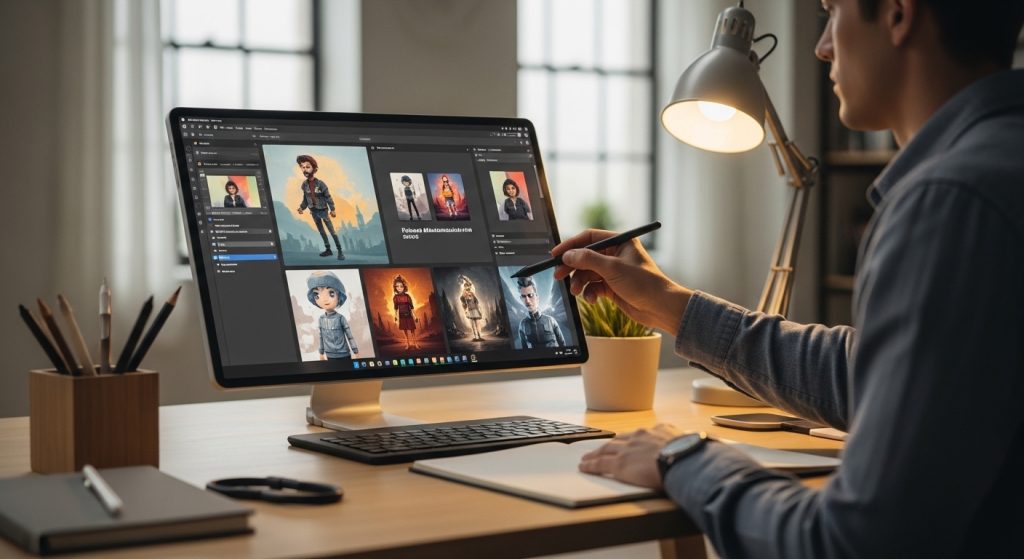
Midjourney: The Platform I Keep Coming Back To
I’ve generated over 10,000 images in Midjourney by now, so I am qualified to speak comprehensively about its strengths and weaknesses. This platform has become a cornerstone of my ideation process, though it certainly has limitations that designers need to understand.
What Makes Midjourney Stand Out
The aesthetic quality is simply unmatched for certain artistic styles. Midjourney has this uncanny ability to produce images with genuine artistic sensibility—proper lighting, thoughtful compositional balance, and color harmony that actually works in professional contexts. When a client needs concept art for a pitch deck or mood boards for a branding project, I invariably start my exploration here.
Version 6 brought significant improvements in text rendering capabilities (finally addressing a longtime weakness) and photorealistic output quality. But what I appreciate most is the consistency it offers. Once you identify the prompting patterns that work with your style preferences, you can reliably reproduce similar results across multiple sessions.
The community aspect also deserves mention. Exploring what other designers create, studying effective prompting strategies, and participating in style discussions have greatly accelerated my understanding. The shared learning environment makes Midjourney feel less like software and more like a creative community.
For designers specifically interested in AI illustration software, Midjourney represents the most versatile option currently available, capable of producing everything from photorealistic imagery to stylized character designs.
The Frustrations Nobody Mentions in Reviews
The Discord-based interface is genuinely annoying for professional use. Searching through old generations becomes cumbersome, organizing projects across multiple channels creates confusion, and maintaining client confidentiality in shared servers requires constant vigilance. They’ve improved the web interface considerably, but it still feels like an afterthought compared to the Discord experience.
Also, hands and fingers remain problematic. They’re significantly better now than in earlier versions, but I still find myself regenerating images multiple times to get anatomically correct hands. It’s become a running joke among designer friends—we share our most absurd hand generations in group chats, laughing at six-fingered monstrosities and backwards thumbs.
The subscription model can also become expensive quickly. If you’re using the platform seriously for client work, you’ll likely need the Pro tier, which adds up over time.
Real Cost Considerations for Professional Use
The $30/month Pro plan is what most working designers need for serious production work. The Basic plan’s limited generations run out surprisingly fast once you’re using it for actual projects rather than casual experimentation. I burned through an entire month’s Basic allowance in about four days during a particularly intensive branding sprint.
For agencies or designers with heavy usage, the $60/month Mega plan is necessary. When evaluating AI illustration software for designers on a budget, factor in realistic usage patterns rather than optimistic estimates.
Adobe Firefly: The Safe Corporate Choice
When I’m working with larger clients, especially those in regulated industries such as healthcare, finance, or legal services, Firefly is my primary recommendation. Here’s the reasoning behind that choice.
The Licensing Advantage That Matters
Adobe trained Firefly on licensed content—Adobe Stock images, openly licensed work, and public domain materials. This clarity of intellectual property matters enormously when you’re creating assets for a Fortune 500 company’s advertising campaign. Their legal team isn’t going to greenlight artwork with murky provenance, and explaining “well, we don’t know exactly what training data was used” doesn’t fly in that professional context.
The clear commercial licensing is Firefly’s killer feature, even if the output sometimes lacks the artistic punch and creative edge of Midjourney. For risk-averse clients, this peace of mind justifies any aesthetic tradeoffs.
Adobe has also implemented content credentials that embed provenance information directly into generated images. This transparency becomes increasingly important as concerns about AI-generated content grow across industries.
Integration That Actually Improves Workflows
Having Firefly built directly into Photoshop has genuinely changed my daily workflow in meaningful ways. Generative fill and generative expand feel like natural extensions of tools I’ve used for decades, rather than bolted-on features.
Last week, I needed to extend a product photography background for a wide banner format. What would have been 45 minutes of tedious clone stamping and careful blending took about 90 seconds with generative expand. The quality matched the original photography seamlessly.
The “Generate Similar” feature in Adobe Stock also deserves specific mention. Found an image that’s almost right for your project? Generate variations that maintain the core concept while avoiding licensing that specific stock photo. It solved a recurring problem I didn’t even fully realize I had until the solution existed.
For designers already invested in the Adobe ecosystem, Firefly offers the most seamless integration of AI illustration software into established professional workflows.
Where Firefly Falls Short
Firefly’s artistic range is notably narrower than its competitors. It excels at commercial-style photography and clean graphic elements, but struggles with highly stylized illustration, fantasy art, or anything edgy and unconventional. There’s a corporate sanitization to the outputs that becomes limiting for experimental creative projects.
The generation speed also lags behind some competitors, which can be frustrating during intensive ideation sessions when you want rapid iteration.
DALL-E 3: Surprisingly Capable for Specific Applications
I underestimated DALL-E 3 initially. The ChatGPT integration seemed gimmicky—a marketing feature rather than a genuine utility. But after several months of consistent use, I’ve found genuine professional value in specific scenarios that other platforms don’t address as effectively.
The Conversational Approach Works Sometimes
When I’m struggling to articulate exactly what I want—when the vision in my head is fuzzy and half-formed—being able to have a back-and-forth conversation to refine the concept proves genuinely useful. “Make the character look more tired, but not sad—more like end-of-a-long-day tired” is the kind of fuzzy, emotional direction that DALL-E handles better than cramming that nuance into a structured Midjourney prompt.
This conversational refinement makes DALL-E particularly valuable during early concept Development, when ideas haven’t fully crystallized.
Text Integration That Actually Works
DALL-E 3 handles text in images better than most alternatives I’ve tested. Need a mockup of a poster with specific wording? It’ll render the text correctly on the first or second generation attempt. This capability saves significant time when creating concept presentations that need to show how typography will work in context.
For designers creating social media content, presentation materials, or any deliverables that require integrated text, this strength makes DALL-E 3 worth considering for your AI illustration software toolkit.
The Obvious Limitations to Consider
Output resolution remains limited for print work and large-format applications. Maintaining style consistency across multiple generations is harder than Midjourney’s more controllable approach. And there’s a certain “DALL-E look” to the images that experienced designers can spot immediately—slightly plastic textures, particular lighting patterns, recognizable compositional tendencies that become apparent with exposure.
The usage limits on ChatGPT Plus also constrain heavy professional use, requiring careful management during intensive projects.
Stable Diffusion: The Technical Deep Dive Option
For designers willing to invest significant time in setup and learning, Stable Diffusion offers capabilities that closed proprietary platforms cannot match. This open-source approach provides flexibility that power users genuinely appreciate.
Why Local Generation Matters for Professionals
Running Stable Diffusion locally on my workstation means complete privacy for sensitive projects. Client projects never touch external servers or third-party infrastructure. For work involving unreleased product designs, sensitive branding elements, or any confidential creative Development, this local approach is the only option I’m comfortable recommending.
Also, no usage limits whatsoever. I’ve had rendering sessions producing hundreds of variations overnight without worrying about subscription tiers, credit consumption, or monthly allowances. For high-volume production needs, this unlimited access provides substantial cost advantages.
The control over model selection also matters. Different checkpoint models excel at different styles, and being able to swap between them for different project requirements adds flexibility that subscription platforms don’t offer.
The Learning Curve Is Genuinely Steep
I won’t pretend this technology is accessible to everyone. Setting up ComfyUI or Automatic1111, managing model files, understanding LoRAs, embeddings, and ControlNet implementations—there’s a significant technical barrier to entry. I spent about 20 hours over two weeks before I felt genuinely competent, and I had prior technical experience to draw on.
That’s a real investment most working designers don’t have time for, especially when client deadlines don’t pause for learning curves.
However, for designers who enjoy technical challenges, this investment pays dividends in capabilities unavailable elsewhere. The AI illustration software for designers’ landscape includes options at every technical complexity level, and Stable Diffusion represents the power-user end of that spectrum.
Custom Model Training Capabilities
This is where Stable Diffusion becomes genuinely powerful and differentiated from alternatives. Training a LoRA on a client’s existing brand illustration style, then generating new assets that maintain perfect visual consistency? That’s a genuinely valuable capability that proprietary platforms don’t offer.
I worked on a children’s book project last year where we trained a custom model on the author’s previous hand-drawn illustrations. The AI-generated backgrounds and secondary environmental elements blended seamlessly with their character work. The project would have taken three times longer without this approach, and the author maintained creative ownership of their distinctive style.
For studios developing proprietary visual styles, this training capability becomes a genuine competitive advantage.
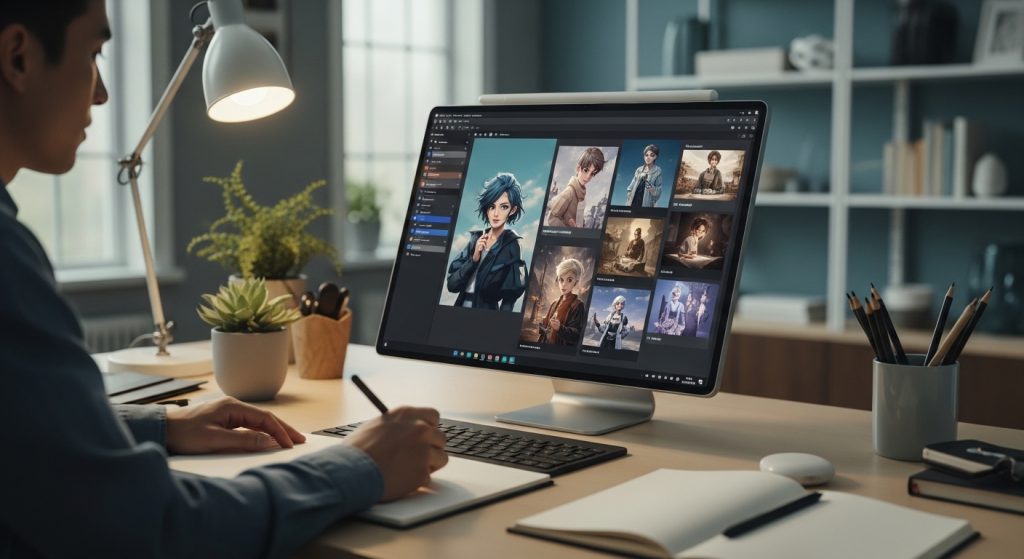
Leonardo AI: The Underrated Middle Ground
Leonardo deserves more attention than it typically receives in discussions about AI illustration software for designers. It occupies an interesting middle position—more accessible than Stable Diffusion but more flexible than Midjourney in certain respects.
Strengths Worth Noting
The variety of models within a single platform provides genuine utility. Switching between different fine-tuned models for different styles happens seamlessly, without the technical overhead of managing local installations.
The canvas feature provides sophisticated control over image composition, letting you sketch rough layouts that guide the generation. This bridges the gap between pure text-to-image generation and traditional illustration workflows in useful ways.
Pricing is also competitive, with generous free tiers that allow genuine evaluation before committing financially.
Where It Fits in Professional Workflows
Leonardo is particularly useful for game design projects, fantasy illustration, and character concept Development. The models tuned for these specific applications produce more consistent, higher-quality results than general-purpose alternatives.
For designers specializing in entertainment, gaming, or fantasy-adjacent visual Development, Leonardo warrants serious consideration as a primary platform.
Practical Workflow Integration Strategies
Here’s how these tools actually fit into professional design work, based on my experience and extensive conversations with colleagues across the industry. Understanding integration patterns matters as much as understanding individual platform capabilities.
Concept Development and Ideation Workflows
This is the absolute sweet spot for AI assistance. Using AI to generate thirty variations of a concept in an hour versus spending three hours sketching five versions manually? It’s not about replacing creative thinking—it’s about exploring more directions faster and more thoroughly.
I’ve started showing clients AI-generated concept boards during initial discovery meetings. Not as final deliverables, obviously, but as conversation starters that accelerate alignment. “Is the direction more like this, or more like this?” This approach surfaces preferences and concerns earlier in the process, reducing revision cycles later.
The efficiency gains in this ideation phase have been among the most significant impacts of AI illustration software for designers in my practice.
Reference and Mood Board Creation
Before AI tools existed, I’d spend significant time searching stock photo sites, Pinterest boards, design blogs, and image databases for reference material that captured specific qualities. Now I can generate exactly the reference I need without compromise.
Specific lighting conditions, particular color palettes, precise compositional arrangements—instead of finding the closest approximate match and explaining how the final work will differ, I create exactly what I’m looking for. This precision in communicating with clients and collaborators has measurably improved project outcomes.
Asset Generation for Appropriate Applications
Social media graphics, presentation materials, web mockups, pitch decks, internal communications—anything that doesn’t require the highest production values benefits substantially from AI assistance. One agency I consult for estimates that they’ve reduced production time for these secondary deliverables by approximately 40%.
This efficiency allows more time and budget to be allocated to the premium deliverables where human craft matters most.
What I Deliberately Don’t Use AI For
Final client-facing illustration work that conveys value through the human touch. High-stakes brand identity elements that need to feel genuinely distinctive. Anything requiring precise stylistic consistency across large campaigns with multiple touchpoints. Technical illustration where accuracy is non-negotiable. Emotionally sensitive projects where the human touch is explicitly part of the value proposition.
The technology isn’t fully there yet for these applications, and I don’t want it to be. There’s still tremendous value in human-created artwork for projects where that craft communicates meaning to audiences.
Understanding these boundaries helps position AI illustration software for designers as an enhancement rather than a replacement—a crucial distinction for sustainable practice.
The Ethics Conversation We Need to Have Honestly
I can’t write about this topic with integrity without addressing the uncomfortable dimensions that industry discussions often gloss over.
Training Data Concerns and Creator Rights
These systems learned from human-created artwork, often without the creators’ explicit consent or meaningful compensation. That’s a genuine ethical issue that the industry hasn’t adequately addressed despite years of discussion. When I use these tools, I’m benefiting from a system that may have disadvantaged other artists whose work contributed to the training datasets.
I don’t have a clean answer here, and I’m suspicious of anyone who claims they do. I’ve chosen to continue using the technology while advocating for better compensation models, supporting platforms with clearer training data provenance (such as Adobe Firefly), and maintaining transparency with clients about when AI assists on projects.
This tension is real, and professional designers should grapple with it honestly rather than ignoring it for convenience.
Impact on Illustration Employment
Entry-level illustration work is already being affected noticeably. Stock illustration opportunities, basic character design gigs, and simple concept art commissions—these opportunities are becoming scarcer for newer designers entering the field. I’ve observed this shift in job postings, I’ve heard it directly from recent design school graduates, and I’ve seen it in the types of projects that reach my desk.
This doesn’t mean illustration as a profession is dying—reports of that death are greatly exaggerated. But it does mean the skills that remain valuable are shifting toward a creative direction, distinctive style Development, and work that requires genuine emotional intelligence that automated systems cannot replicate.
Young designers should focus on developing taste, conceptual thinking, and distinctive voices rather than solely on technical rendering skills. The AI illustration software for designers’ landscapes will continue evolving, but human creative judgment remains irreplaceable.
Transparency With Clients
I tell clients when AI assists in projects, without exception. Not because I’m legally required to, but because it’s the ethical approach. Most respond positively—they understand these tools exist and appreciate efficiency improvements that don’t compromise quality or increase their costs.
A few clients have specifically requested human-only workflows for particular projects, and I respect those preferences completely. Having that conversation upfront prevents misunderstandings and builds trust that supports long-term relationships.
Choosing the Right Tool: A Decision Framework
After testing essentially everything currently available in the market, here’s my practical guidance for making platform decisions:
Choose Midjourney if: Aesthetic quality is paramount, you’re comfortable with the Discord workflow (or willing to tolerate it), and your primary needs involve concept art, mood boards, editorial illustration, or social media content.
Choose Adobe Firefly if: You need clear commercial licensing for risk-averse clients, you’re already invested in the Adobe ecosystem, or you’re working with conservative corporate clients who require intellectual property clarity.
Choose DALL-E 3 if: You value conversational refinement over precise prompting, you need reliable text integration in images, or you’re already using ChatGPT for other work and want seamless integration within familiar tools.
Choose Stable Diffusion if: Privacy is non-negotiable for your projects, you have technical aptitude and time for learning curves, you need custom model training capabilities, or you want unlimited generation without recurring subscription costs.
Choose Leonardo AI if: You work in gaming, fantasy, or entertainment-adjacent industries, you want model variety without technical complexity, or you need canvas-based compositional control.
Use multiple tools if: You’re doing this professionally. Seriously, different projects genuinely call for different approaches, and limiting yourself to a single platform means accepting unnecessary constraints.
The best approach to AI illustration software for designers recognizes that each platform has distinct strengths that can be leveraged for specific applications.
Emerging Platforms Worth Watching
The landscape continues evolving rapidly, with new entrants appearing regularly. Several deserve attention from designers evaluating options.
Ideogram
Particularly strong at text rendering and typographic integration, Ideogram has carved out a useful niche. For designers working on poster concepts, social media graphics, or any text-heavy applications, it’s worth exploring.
Flux
The newest generation of open-source models shows impressive improvements in quality. Flux-based implementations are approaching or matching the quality of proprietary platforms while maintaining the flexibility and privacy advantages of local generation.
Platform-Specific Integrations
Figma, Canva, and other design platforms are building AI generation directly into their interfaces. These integrated approaches may eventually dominate workflow integration even if standalone platforms remain superior for pure generation quality.
Staying current with emerging AI illustration software for designers requires ongoing attention, as the competitive landscape shifts quarterly.
Hardware Considerations for Serious Users
If you’re moving beyond subscription platforms toward local generation, hardware matters significantly.
GPU Requirements
A modern NVIDIA GPU with at least 8GB VRAM is the minimum for comfortable Stable Diffusion use. 12GB or more opens up additional models and faster generations. AMD support exists but remains less mature in most implementations.
Memory and Storage
16GB system RAM is the minimum; 32GB is comfortable for complex workflows. Fast SSD storage matters for model loading times, and you’ll want substantial capacity—model checkpoints consume 2-7GB each, and collections grow quickly.
Cloud Alternatives
Services like RunPod or Vast.ai provide GPU rental for generation without requiring local hardware investment. This approach makes sense for occasional power users who can’t justify the cost of dedicated hardware.
Looking Forward: Realistic Expectations
The technology is improving at a pace that makes confident long-term predictions foolish. Features that seem impossible now will likely be standard within eighteen months. What I can say with confidence is that designers who learn to work effectively with these tools—treating them as sophisticated instruments rather than magical solutions—will maintain significant competitive advantages.
The fundamental skills of design aren’t going anywhere despite dramatic technological change. Understanding client needs, making creative decisions, recognizing what’s good and what’s not, crafting cohesive visual experiences—these remain irreplaceably human capabilities that no algorithm replicates.
AI illustration software for designers doesn’t replace design thinking. It accelerates certain aspects of design execution while potentially freeing time and energy for work that genuinely requires human judgment.
After two years of daily use across diverse projects, my honest assessment: these tools make me measurably more productive, allow me to explore more creative directions than previously possible, and free up time for the work that genuinely requires human insight and sensitivity. They haven’t replaced my skills—they’ve amplified them in meaningful ways.
That’s the opportunity here. Not replacement, but amplification. Designers who embrace that distinction thoughtfully will thrive in the emerging landscape. Those who either reject the technology entirely or expect it to do the creative thinking for them will struggle increasingly.
The future belongs to designers who can think creatively and leverage these tools intelligently in the service of a genuine creative vision. Based on everything I’ve observed and experienced, there’s plenty of room for those who develop both capabilities in concert.
The key is approaching AI illustration software for designers with clear eyes—understanding both the remarkable capabilities and the real limitations, the genuine opportunities and the legitimate concerns. That balanced perspective, combined with continuous learning as the technology evolves, positions designers for success regardless of how the specific tools continue to develop.