
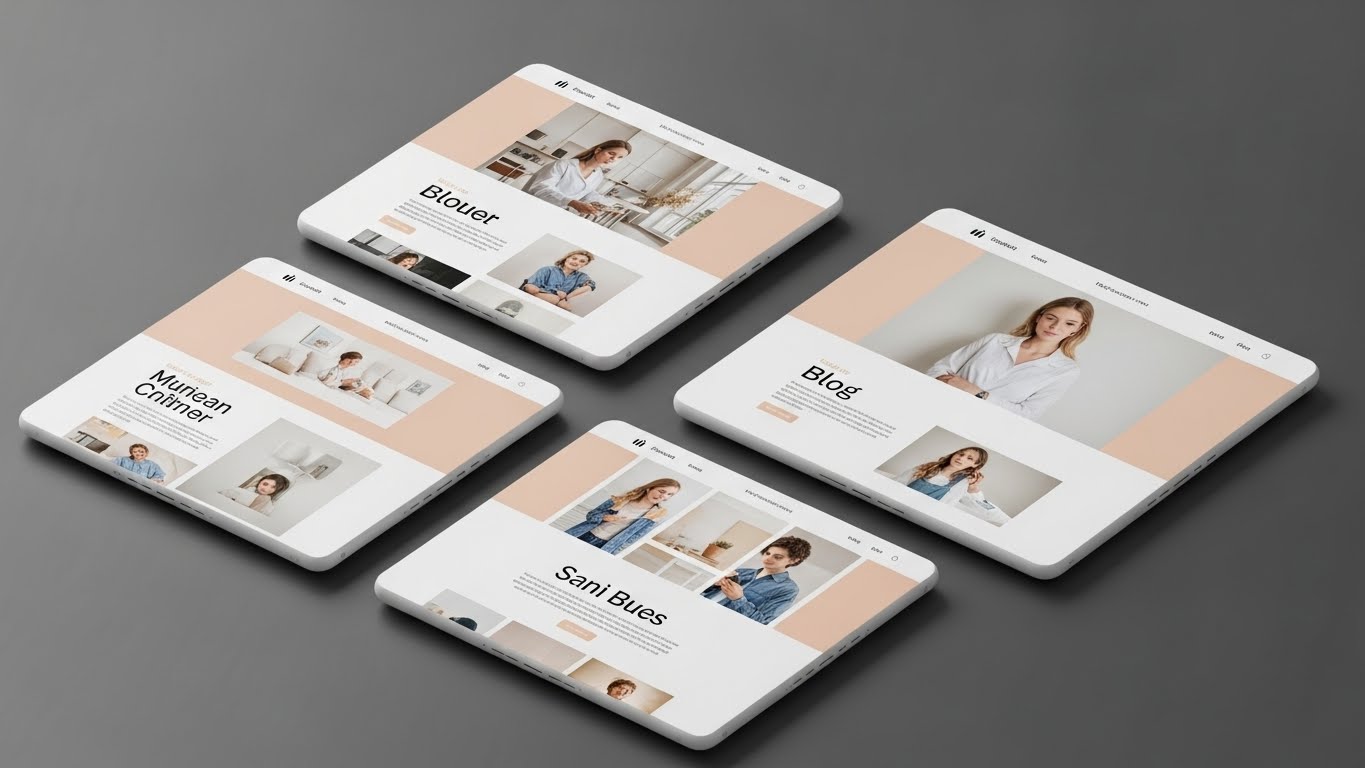
I still vividly remember the “Stock Photo Fatigue” of 2018. I was managing a portfolio of content sites in the tech and lifestyle niches, and I reached a breaking point. If I had to upload one more image of a generic businessman shaking hands with a glowing blue hologram, or that same “laughing woman eating salad” that seemed to be on every health blog on the internet, I was going to scream. The internet felt sterile. It felt blue-tinted and utterly devoid of soul.
When the early whispers of generative technology started circulating, I was skeptical. My first attempts were nightmarish—people with seven fingers, eyes looking in two different directions, and a general “melted candle” aesthetic. But fast forward to the present day, and the landscape has shifted entirely underneath our feet.
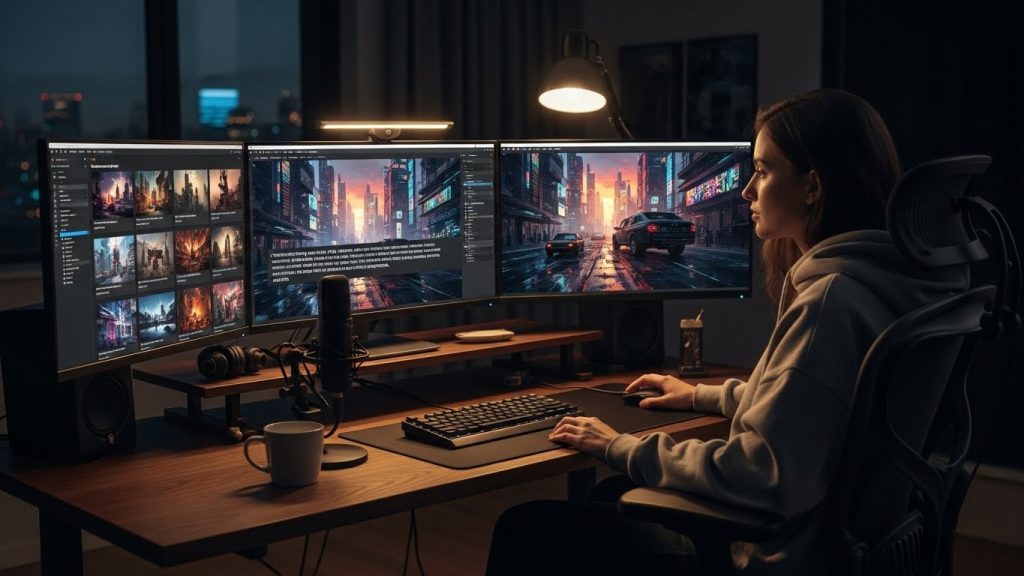
If you are reading this, you are likely looking for how to generate AI graphics for blogs that don’t look like robotic spam. You want visuals that arrest the scroll, tell a story, and actually keep people on your page. Over the last two years, I have generated tens of thousands of images, spent countless late nights debugging prompts in Discord channels, and integrated AI art into high-traffic workflows. This isn’t just a list of tools; this is a brain dump of everything I’ve learned about creating editorial-quality blog art.
Why Learning How to Generate AI Graphics for Blogs is the New Standard
Before we open any software, we need to address the “Why.” Why bother? Why not just stick to Unsplash or Pexels?
The answer lies in Semantic Relevance and Brand Identity.
When you rely on free stock sites, you are at the mercy of what photographers decided to shoot three years ago. If you are writing a nuanced article about “The anxiety of waiting for a job offer email,” searching for “stressed man at computer” on a stock site gives you a caricature. It’s cheesy. It lowers the perceived value of your writing.
By learning how to generate AI graphics for blogs, you gain the ability to deal in metaphors. Instead of that literal, stressed man, you can create an image of an hourglass made of envelopes, sitting on a lonely desk in moody lighting. That is editorial. That is what magazines like The New Yorker or The Atlantic pay illustrators thousands of dollars to do. Now you can do it for your blog in minutes.
Furthermore, Google is getting smarter. While we don’t know the exact weight the algorithm places on unique imagery, we know it values user engagement. If a reader lands on your page and sees a custom, intriguing image they have never seen before, they pause. That pause reduces your bounce rate.
Choosing Your Engine: The Best Tools to Generate AI Graphics
I have tried them all. Stable Diffusion, Jasper Art, NightCafe, Leonardo. But in my daily Workflow, the list of tools that are actually production-ready for professional blogging is short. Here is my honest, hands-on breakdown.
1. Midjourney: The Artistic Powerhouse
If you want your blog to look like it has an art director, Midjourney is currently the king.
- The Experience: It runs through Discord (a chat app), which creates a weird barrier to entry for some. You have to type commands into a chatbot.
- The Output: It understands texture and lighting better than anything else. If I need a hero image (the big banner at the top of a post) that evokes emotion, I use Midjourney. It handles abstract concepts beautifully.
- The Downside: It’s not great at text (though V6 is improving), and it can be stubborn when you want exact element positioning.
2. DALL-E 3 (via ChatGPT): The Smart Assistant
DALL-E 3 is the best listener.
- The Experience: You talk to it like a human. You can say, “Make the blue ball on the left and the red cube on the right.” Midjourney might mess that up; DALL-E will nail it.
- The Output: It tends to have a particular “smooth, plastic, digital art” look. You have to fight it with your prompt to make it look natural. However, for diagrams, specific scenes, or illustrating a very complex literary scenario, it is undefeated.
- The Integration: Since it’s built into ChatGPT, you can paste your blog intro and ask it to generate an image based on the text. Huge time saver.
3. Adobe Firefly: The Ethical and Realistic Choice
- The Experience: Integrated into Photoshop and a web app.
- The Output: Adobe trained this model on its own stock library. This means it is fantastic at photorealism. If you need a picture of a “happy family eating dinner” that looks 100% real and not artistic, Firefly is the winner.
- The Safety: Because it wasn’t trained on scraped internet data, it is the safest bet for enterprise blogs worried about copyright gray areas.
The Anatomy of a Perfect Prompt: How to Generate AI Graphics for Blogs That Pop
I see so many bloggers make the mistake of treating the prompt box like a Google search bar. They type: “Dog on a skateboard.”
The AI will give you exactly that, and it will look boring. To get professional results, you need to construct a “Creative Brief” within your prompt. Through thousands of trials, I’ve developed a modular formula that I use for 90% of my blog visuals.
The Formula:
[Subject/Action] + [Art Style/Medium] + [Environment/Context] + [Lighting/Color Palette] + [Camera/Technical Specs] + [Aspect Ratio]
Let’s break this down with a real-life example. Imagine I am writing a blog post about “Cybersecurity Risks for Remote Workers.”
The Amateur Prompt:
A hacker is stealing data from a laptop.
(Result: A guy in a hoodie in a dark room with binary code floating around. Cliché. Boring.)
The Expert Prompt (Using the Formula):
Subject: A glowing digital padlock shattering into glass fragments.
Art Style: Isometric 3D illustration, clean matte finish, similar to high-end tech startup branding.
Environment: Floating in a dark void of deep blue data streams.
Lighting: Volumetric neon lighting, cyan and magenta rim light.
Tech Specs: High definition, Octane render, sharp focus.
Aspect Ratio: –ar 16:9
The Result: An abstract, high-concept header image that looks premium and expensive.
Key Modifiers to Upgrade Your Vocabulary
To master generating AI graphics for blogs, you need to expand your artistic vocabulary. The AI knows art history; you just have to reference it.
- Instead of “drawing,” try: Linocut print, watercolor and ink, charcoal sketch, vector art, risograph, double exposure.
- Instead of “photo,” try: 35mm film grain, macro photography, tilt-shift lens, long exposure, cinematic shot.
- Instead of “bright,” try: Golden hour, bioluminescent, studio lighting, softbox, chiaroscuro.
Establishing Visual Consistency: The “AI Glaze” Problem
This is the biggest hurdle. You read a blog, and the first image is a cartoon, the second is a photo, and the third is an oil painting. It looks messy. It screams “amateur.”
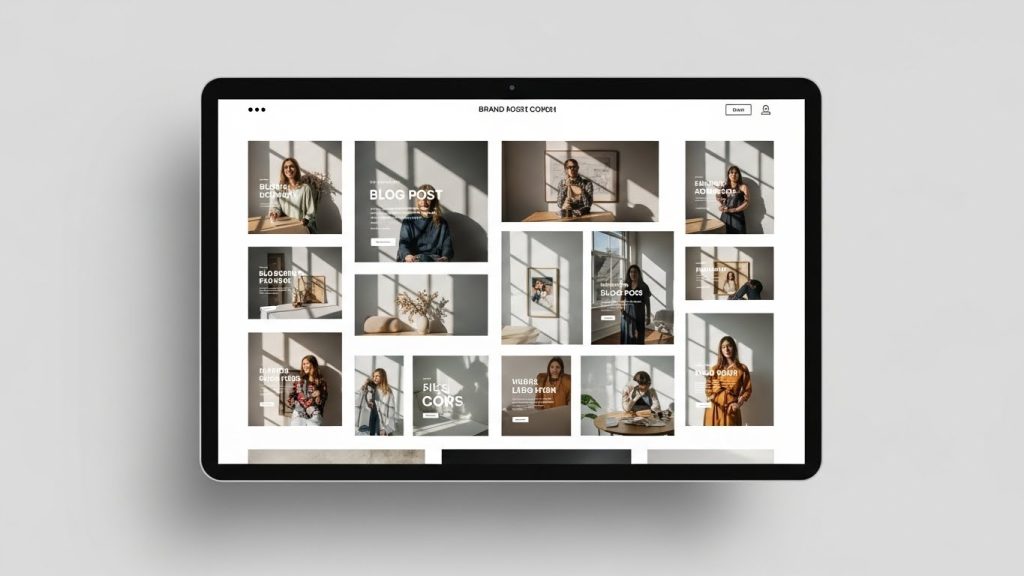
To build authority (EEAT), your blog needs a Visual Brand Identity. You need to pick a lane and stay in it.
The “Style Seed” Method
When I start a new niche site, I spend a whole day just defining the style. I don’t just want “images.” I like “My Blog’s Images.”
- Choose a Medium: Decide that all your blog images will be, for example, “Paper Cutout Art” or “Flat Vector Minimalist.”
- Create a Style Suffix: Save a text snippet that you append to every single prompt.
- Example Suffix: “… in the style of vintage 1950s travel posters, textured grain, muted pastel palette, bold flat shapes.”
- Use Image References: Both Midjourney and DALL-E allow you to upload an image to use as a reference. If you generate one image you absolutely love, save it. Use that image as a “Style Reference” (in Midjourney, this is the –sref command) for every subsequent image. This forces the AI to match the original’s colors, vibe, and stroke style.
Case Study:
I run a newsletter about productivity. I decided early on that I didn’t want photos of people working. Instead, I chose a “lo-fi, anime-inspired study lounge” aesthetic. Every image—whether it’s about time blocking or email management—is prompted in that specific lo-fi style. Now, when readers see that art style on social media, they associate it with my brand before they even read the headline.
Advanced Techniques: Text, Aspect Ratios, and In-Painting
Learning how to generate AI graphics for blogs isn’t just about hitting “generate” once. It’s an iterative process.
Handling Text (The Achilles Heel)
AI is notoriously bad at spelling. DALL-E 3 is getting better, but Midjourney often produces gibberish alien language.
- My Rule: I rarely ask the AI to generate text on the image. I ask for the space for text.
- The Prompt Trick: “…leaving negative space in the center,” or “…clean background on the right side.”
- The Workflow: I take the clean, text-free AI image into Canva or Photoshop and add my blog title there. It looks cleaner and gives me control over the font.
Aspect Ratios Matter
Nothing looks lazier than a square (1:1) image stretched to fill a rectangular header slot.
- Headers: Use 16:9 (Cinematic wide) in Midjourney: –ar 16:9.
- Sidebar/Pinterest: Use 2:3 (Vertical) in Midjourney: –ar 2:3.
- Content Body: Use 3:2 or 4:3.
In-Painting (Fixing the Weird Stuff)
Sometimes you get a perfect image, but a random coffee cup floats in mid-air, or the person has three hands. Do not trash the image!
- Midjourney: Use the “Vary Region” tool. Select the weird hand and re-roll just that specific part.
- Photoshop: Use the “Generative Fill” tool. Circle the mistake and hit delete or type “remove object.” It saves hours of re-prompting.
The Post-Processing Workflow: From Generation to CMS
You cannot—I repeat, cannot—just take the raw File from the AI generator and upload it to WordPress. That is a recipe for a slow website and poor SEO. Here is the professional Workflow I use for every single asset.
Step 1: Upscaling
Most AI tools output at roughly 1024×1024 pixels. On a modern Retina or 4K display, this can look soft or pixelated, especially for a full-width header.
- I use Topaz Gigapixel AI or the built-in “Upscale (Creative)” in Midjourney to bump the resolution to at least 2048px wide. This adds crispness and details that weren’t there before.
Step 2: Color Correction
AI-generated images often exhibit a weird “flat” contrast or a slight color cast.
- I drop the image into Lightroom (or even the basic photo editor on my Mac) and make slight adjustments. A little bump in “Clarity,” a slight reduction in “Highlights,” and warming up the “Temperature” can make an AI image look like a professional photograph.
Step 3: Compression (Crucial for SEO)
Raw AI PNGs can be massive—sometimes 3MB to 5MB. If you put a 5MB image at the top of your blog post, your Core Web Vitals score will tank, and Google will hate you.
- The Goal: Under 100kb.
- The Tool: I use WebP Express or TinyPNG. I convert everything to WebP format, which offers superior compression without losing quality.
Step 4: Alt Text and Filenames
When you save the File, do not name it MJ_Output_38472.jpg.
- Filename: how-to-generate-ai-graphics-blog-header.webp
- Alt Text: “Abstract illustration of a digital artist creating graphics on a computer, styled in a cyberpunk neon aesthetic.”
- Why? This helps accessibility (screen readers) and tells Google exactly what the image is, which supports your article’s SEO relevance.
Navigating the Legal and Ethical Landscape
We have to talk about the elephant in the room. This technology is controversial. As a creator, you need to navigate this with integrity.
Copyright Ownership
As of now, under US law (and in many other regions), images created entirely by AI cannot be copyrighted. This means you do not own the pictures on your blog in the same way you would if you took a photo yourself. Someone can theoretically download your AI header and use it.
- My Take: For a blog post header, this usually doesn’t matter. The value is the content of the article. If you are creating a brand logo or a mascot, do not use raw AI. Use AI to concept it, then hire a human artist to vectorize and finalize it so you can own the trademark.
The “Style of” Problem
It is technically possible to prompt “in the style of [Living Working Artist].”
- My Ethical Rule: I never do this. It feels like theft of identity. Instead, I reference art movements (Art Deco, Impressionism, Synthwave) or dead masters whose work is in the public domain (Van Gogh, Da Vinci). It keeps your conscience clear and avoids potential future legal trouble.
Transparency
Trust is the currency of the internet. I recommend adding a simple disclaimer on your site—either in the footer or on the “About” page—stating that you use AI tools to assist with graphic creation. Readers appreciate the honesty.
Real-World Case Studies: Applying AI Graphics to Different Niches
To truly understand how to generate AI graphics for blogs, let’s look at how this applies to specific niches I’ve worked in.
Niche 1: The Food Blog
- The Problem: Cooking a recipe, styling it, and photographing it takes 6 hours. Sometimes you just write about “The Health Benefits of Turmeric” and don’t want to cook.
- The AI Strategy: Photorealism is tricky with food (AI often messes up textures). Instead, go for “Cookbook Illustration.”
- The Prompt: Detailed watercolor illustration of fresh turmeric root and yellow powder in a ceramic bowl, rustic wooden table background, soft natural window light, culinary magazine style.
- The Result: A charming, rustic image that fits the “homemade” vibe without needing to be a fake photo.
Niche 2: The Tech/SaaS Blog
- The Problem: Tech is abstract. How do you visualize “Cloud Computing”?
- The AI Strategy: 3D Abstract or “Glassmorphism.”
- The Prompt: Abstract representation of cloud computing, floating glass cubes connected by glowing laser lines, blue and white gradient background, depth of field, high tech minimalism, blender 3d render.
- The Result: Looks exactly like the hero images on Stripe or Apple’s websites.
Niche 3: The Personal Development/Mental Health Blog
- The Problem: Stock photos of “sad people” are depressing and cliché.
- The AI Strategy: Surrealism and Metaphor.
- The Prompt: A lonely figure standing at the edge of a giant maze, looking at a sunrise in the distance. Surrealist painting, dreamlike atmosphere, soft pastel colors, hopeful mood.
- The Result: Evocative art that captures the feeling of the topic rather than the literal reality.
Troubleshooting: When the AI Just Won’t Listen
I want to be honest with you—sometimes, the machine is stupid. You will type “A cat sitting ON a car,” and it will give you a cat DRIVING a car.
Here is my troubleshooting checklist when I’m stuck:
- Reduce Complexity: If your prompt is 400 words long, the AI gets confused. Cut the fluff. Stick to the subject and the style.
- Change the Weight (Midjourney): You can use “prompt weighting.” If I want the image to be more about the “Lighting” and less about the “Background,” I can adjust the syntax (e.g., volumetric lighting::2 vs forest background::1).
- Iterate, Don’t Settle: The first result is rarely the best. I usually run a prompt 4 or 5 times (re-rolling) before I even look closely. AI generation is a numbers game.
- Reverse Engineer: If I see an image I like on another site or a Pinterest board, I use the /describe function in Midjourney. You upload the image, and the AI tells you which prompt it thinks would generate it. This is the fastest way to learn new keywords and style descriptors.
The Future of Blog Visuals
We are in the early innings of this revolution. The tools I used six months ago are already obsolete, replaced by faster, smarter versions. But the fundamental skill of generating AI graphics for blogs—the ability to translate an abstract idea into a visual prompt—is timeless.
It allows you, the writer, to become a multimedia creator. It removes the barrier of “I can’t draw” or “I can’t afford a photographer.”
But remember: The goal isn’t just to fill space. The goal is to enhance the reader’s experience. Use AI to clarify complex ideas with diagrams. Use it to set the emotional tone with atmospheric art. Use it to build a brand that is recognizably yours.
So, stop using that stock photo of thhttps://unsplash.com/images/stocke handshake. Open up a prompt window, imagine something impossible, and bring it to life. Your blog deserves better.