
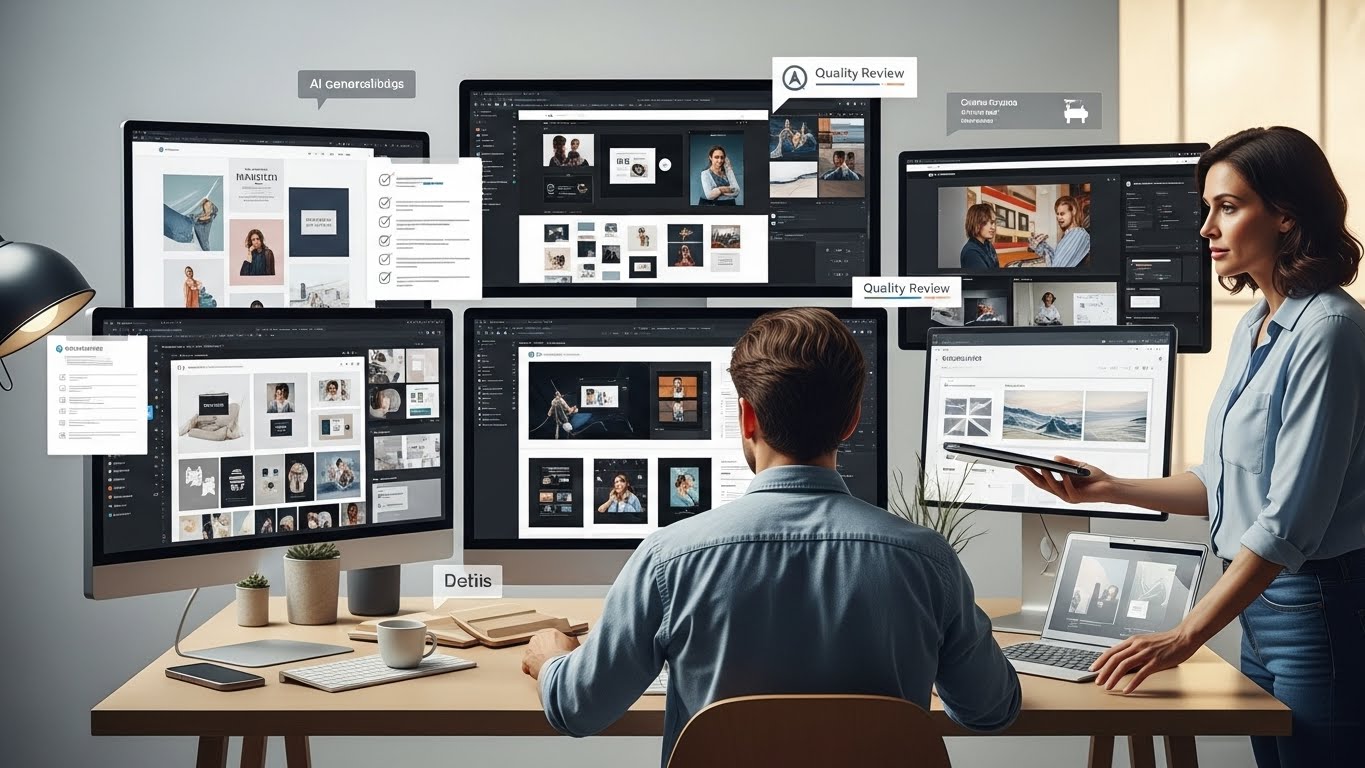
How to use AI for graphic design projects is the single most pressing question keeping creative directors, freelancers, and agency owners awake at night in the current era. I still vividly remember the smell of spray mount and the distinct, razor-sharp anxiety of cutting rubylith for print layers. If you’ve been in the design industry as long as I have, you’ve survived the transition from analog to digital, the death of Flash, and the rise of mobile-first responsiveness. We are now standing on the precipice of the next great filter: the integration of Artificial Intelligence.
For the last twenty-four months, the conversation in our studio—and I suspect in yours too—has shifted from “Look at this cool glitch art” to “Is this actually usable for a paying client without getting us sued?” The anxiety is palpable, but so is the potential. After integrating generative tools into dozens of branding, web, and layout projects, I’ve moved past the novelty phase. I’ve realized that AI isn’t here to replace the Senior Designer; it’s here to act as the ultimate Junior Designer. It is tireless, it occasionally hallucinates, it needs strict supervision, but it can produce options at a speed that was previously physically impossible.
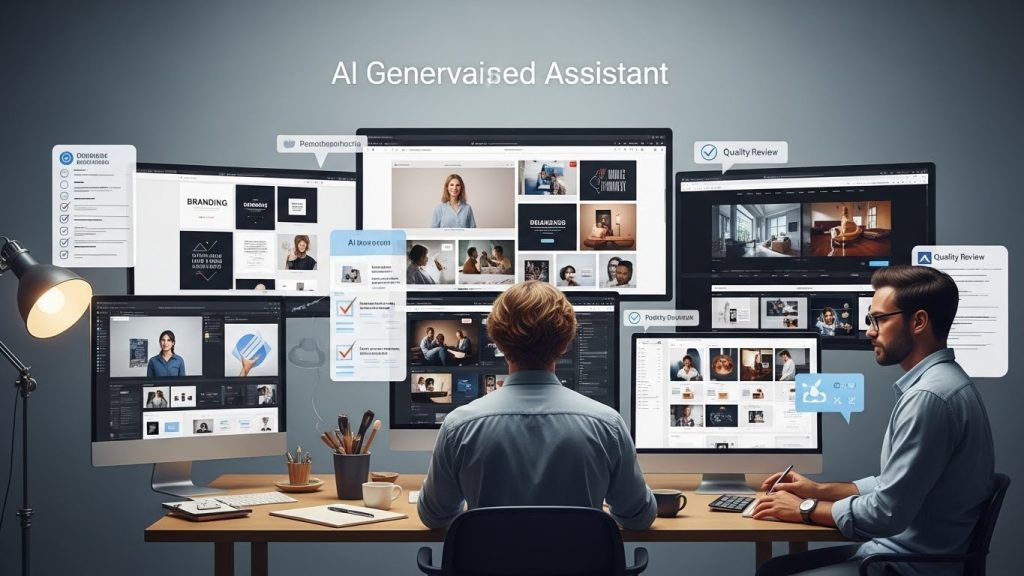
This is not a fluff piece about “dreaming big.” This is a comprehensive, boots-on-the-ground guide to actually doing this work—ethically, legally, and creatively—written by a designer currently in the trenches.
Phase 1: The Strategic Pre-Game (Research & Briefs)
Before we even open Illustrator or Figma, the design process begins with understanding the problem. This is often the most mentally draining part of the job: deciphering a vague client brief that essentially says, “Make it pop.”
Effectively leveraging these tools starts here, in the strategy phase. We often use Large Language Models (LLMs) not to write our copy, but to act as a logic check for our strategy.
The “Devil’s Advocate” Technique
When I receive a brief for a new brand identity—let’s say, a sustainable sneaker company targeting Gen Z—I don’t just start sketching. I feed the anonymized brief into a text-based AI and ask it to adopt the persona of the target audience.
- The Prompt Strategy: “Act as a 22-year-old fashion-conscious consumer who cares about sustainability but creates skepticism around ‘greenwashing.’ Critique this design brief. What is missing? What sounds inauthentic? What visual clichés should I avoid?”
The insight I get back is often surprisingly sharp. It might point out that “earth tones” are a cliché in the sustainable market and suggest a high-contrast, “digital-native” palette instead (acid green and charcoal) to stand out. This doesn’t do the design work for me, but it gives me a sharper angle to pitch to the client. It turns the “Blank Page” into a “Concept Board” much faster.
Visual Audit and Competitor Analysis
You can also use AI to summarize visual trends. While AI can’t “see” the internet in real-time in the same way a human can, you can use it to categorize semiotic codes. I might ask, “What are the dominant visual clichés in craft beer packaging in the last five years?” The AI will list items such as “hops illustrations,” “Fraktur typography,” and “matte finish cans.”
Knowing the clichés gives you the roadmap of what to avoid. It clears the path for true innovation.
Phase 2: The Mood Board & Ideation Engine
This is where the visual magic starts, and where most designers get stuck in the “pretty picture” trap.
Using AI for graphic design projects during the ideation phase requires a shift in mindset: You are not generating results; you are generating raw materials.
The Visual Thesaurus
In the past, if I wanted to see what a “Cyberpunk Art Deco Hotel” looked like, I had to hope someone on Pinterest had already painted it. Now, I can synthesize it.
I use image generators to create “Style Scapes.” These aren’t designs to be sold; they’re references for texture, lighting, and composition.
- The “Remix” Approach: I take a screenshot of a rough sketch I did on my iPad—literally stick figures and scribbles—upload it to the AI as a reference image, and ask it to “render this in the style of 1960s Swiss International Style posters.” It usually fails to produce a perfect poster, but it might give me a color combination (perhaps a burnt orange and slate grey) that solves my color palette struggle.
Breaking the “Pinterest Loop”
We all suffer from the homogenization of design. Because we all look at the same inspiration sites, our work starts to look the same. AI models are trained on everything, including art history, obscure architectural movements, and scientific photography.
By prompting for “bioluminescent fungi macro photography lighting” applied to a “minimalist typographic layout,” you force a collision of worlds that doesn’t exist on Behance. This allows you to present mood boards to clients that feel distinctly fresh, rather than just a collage of other people’s work.
Phase 3: Asset Creation (The High-Utility Zone)
This is the section where the ROI (Return on Investment) becomes undeniable. A massive percentage of graphic design is just hunting for assets. You need a texture, a specific background, or a stock photo that doesn’t look like one.
The Death of “Generic Stock Photos”
I recently worked on a website for a logistics company. They needed a photo of a “diverse team looking at a tablet in a warehouse.” The stock sites had thousands of these, but they all looked fake—overlit, perfect teeth, sterile environments.
Using generative AI, I created the image with specific lighting commands: “Cinematic lighting, depth of field, dirty lens, motion blur in background.” The result was gritty and realistic.
- Crucial Step: AI faces are often weird. You must take this into Photoshop. I often composite real human faces from legitimate stock photos onto AI-generated bodies/environments to ensure the expressions feel human. This hybrid approach saves thousands of dollars on custom photography shoots while avoiding the uncanny valley.
Bespoke Textures and Overlays
Stop downloading “dust.png” from Google Images or paying for subscriptions just for grit. You can generate high-resolution, royalty-free textures tailored to your project’s color space.
- Example: I needed a background for a cosmetic brand that looked like “smeared lipstick on satin.” Finding that exact stock photo was impossible. Generating it took three tries. I upscaled the result to 4k, masked it into my InDesign layout, and it was done.
Vector Generation (The New Frontier)
For the longest time, AI was raster-only (pixels). Now, text-to-vector tools are entering the Adobe ecosystem and other platforms.
- The Reality Check: AI vectors are usually messy. If you look at the wireframe view, there are thousands of unnecessary anchor points. It looks like a bowl of spaghetti.
- The Professional Workflow: Use AI to generate the silhouette or the icon concept. Expand the vector. Then, use the “Simplify Path” tool or manually re-trace the shape with the Pen Tool. Do not—I repeat, do not—deliver a raw AI-generated vector logo to a client. It will cause issues when they try to vinyl cut it for a window decal. Your value as an expert is taking the AI “sketch” and refining the geometry to professional standards.
Phase 4: Layout, Typography, and Composition
AI is historically bad at typography. It treats letters as shapes rather than as language, which is why AI-generated text often looks like alien script. However, that is changing, and the utility lies in layout generation rather than letterforms.
The “Lorem Ipsum” Killer
When designing brochures or websites, using “Lorem Ipsum” is a missed opportunity. It doesn’t give the client a real feel for the content. I use text-based AI to generate “placeholder copy that makes sense.”
- If I’m designing for a bakery, I generate three paragraphs about sourdough fermentation. It helps me design the typography hierarchy better because I’m dealing with realistic sentence lengths and header structures. It also helps the client write the real copy later because they have a template to work from.
Optical Character Recognition (OCR) and Font Matching
We’ve all had a client send a low-res JPEG of an old logo and say, “We lost the files, can you match this font?”
AI-driven font recognition tools have become incredibly potent. They don’t just guess the font; they analyze the glyph structure to find similar alternatives if the exact font is out of budget. This cuts down the “font hunting” phase from hours to minutes.
Generative Expand (The Savior of Layouts)
This is perhaps the feature I use most daily. You have a perfect photo for a magazine spread, but it’s a vertical shot, and you need a double-page horizontal spread.
In the past, you’d have to clone-stamp the background for hours. Now, using Generative Expand, you can extend the canvas. The AI analyzes the lighting and texture of the original photo and hallucinates the rest of the room, the forest, or the desk.
- Pro Tip: Always generate more than you need, then crop in. The edges of AI generation are where the artifacts hide. By generating a wider shot and cropping, you keep the high-fidelity center.
Phase 5: The Post-Production Polish
Designers know that the difference between “good” and “great” often lies in retouching. This is where AI acts as an invisible assistant.
Upscaling and Restoration
Clients love sending tiny logos or 72dpi images they saved from a Word document. AI upscalers (which hallucinate new pixels based on probabilities) are vastly superior to older bicubic resampling methods.
I can take a 1000px image and enlarge it to 4000px for print, and the AI will sharpen the edges and denoise flat areas. It’s not magic—you have to inspect it for weird details—but for background elements, it’s a lifesaver.
Contextual Removal
Removing complex objects used to be the bane of my existence. A chain-link fence in front of a building? A nightmare. AI removal tools can now understand what is “behind” the fence and fill in the gaps.
This allows me to say “yes” to client requests that I previously would have rejected as “technically impossible within the budget.”
Phase 6: Ethics, Copyright, and the “Human Sandwich”
We cannot discuss how to use AI for graphic design projects without addressing the elephant in the room. If you are charging clients for work, you need to understand the legal standing of what you are delivering. This is where your EEAT (Experience, Expertise, Authoritativeness, and Trustworthiness) is tested.
I utilize what I call the “Human Sandwich” method.
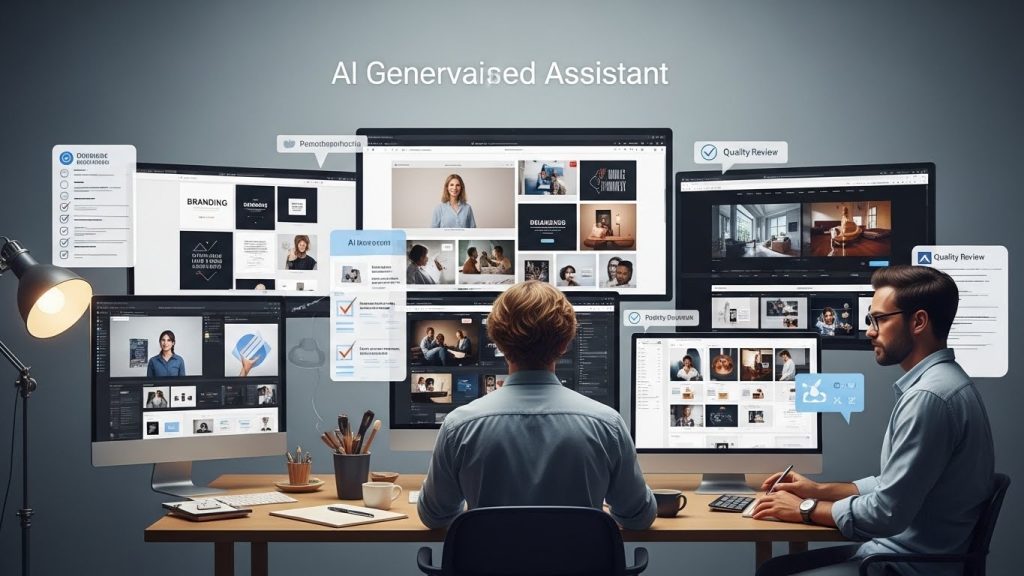
- Human Bread (Top): The strategy, the prompt engineering, the creative direction. This is you setting the intent.
- AI Meat (Middle): The generation of raw assets, textures, or ideas.
- Human Bread (Bottom): The compositing, the refining, the vectorizing, the color grading, and the final context.
The Copyright Issue
As of this writing, the US Copyright Office (and many international equivalents) has stated that works created entirely by AI cannot be copyrighted. There must be “sufficient human authorship.”
- The Risk: If you generate a logo in Midjourney and email it to your client, they cannot trademark it. Anyone else can use it.
- The Solution: Never use raw AI output as the final deliverable for a Brand Mark. Use AI to generate a mood, then draw the logo yourself. Or, use AI to generate an illustration, but then heavily modify it, paint over it, and composite it so that the final piece is distinctively yours.
Transparency
I have updated my contracts to include an “AI Usage Policy.” I tell my clients: “I utilize AI tools for ideation, sketching, and asset generation (like textures), but all final strategic designs are hand-crafted and vetted by humans to ensure trademark viability.”
Clients appreciate this. It frames you as technologically advanced but legally conservative. It builds trust.
Case Study: The “Solaris” Music Festival Rebrand
To make this concrete, let me walk you through a recent workflow I utilized for a (hypothetical but realistic) music festival rebrand project.
The Goal: Create a visual identity for “Solaris,” a futuristic electronic music festival.
Step 1: The Vibe Check (1 Hour)
I used a text-based AI to brainstorm “futuristic solarpunk terminology.” It gave me words like “photovoltaic shimmer” and “chlorophyll neon.”
I then went to an image generator and prompted: “Abstract macro photography of solar panels merging with tropical leaves, neon green and chrome, 8k, cinematic lighting.”
I generated 100 images. I picked 3 that had amazing color palettes.
Step 2: The Logo (4 Hours)
I sketched a sun icon on paper. I wanted it to look like a microchip.
I brought my sketch into Illustrator. I used an AI vector tool to generate “circuit board patterns.” I took those patterns and manually clipped them inside my hand-drawn sun shape.
Result: A vector logo that was mathematically precise but conceptually unique.
Step 3: The Poster Series (6 Hours)
I needed a central visual of a “Cyborg Goddess.”
I generated the base image using AI. It looked cool, but the hands were messed up (too many fingers), and the eyes were dead.
- The Fix: I photographed my own hand in the correct lighting. I brought the AI image into Photoshop, masked out the bad hand, and composited my real hand in. I then painted over the eyes digitally to add “glint” and humanity.
- The Typography: I laid out the festival lineup in InDesign. I used an AI script to randomly rotate the letters of the headline by 2-5 degrees to give it a “glitch” energy, without manually rotating every letter.
Step 4: The Mockups (2 Hours)
Instead of downloading a PSD of a billboard, I used Generative Fill to create a scene: “A busy Tokyo street at night with a large digital billboard glowing.”
I pasted my design onto the billboard. The reflection and lighting didn’t match. I used Photoshop’s “Neural Filters” to harmonize the color of my poster with the background plate.
Total Time: Approx 13 hours.
Old Workflow Time: Approx 30-40 hours (mostly spent searching for assets and drawing circuit boards by hand).
Overcoming the “Generic” Look
One of the biggest criticisms of AI art is that it looks “plasticky” or “too smooth.” This is because AI models converge on the “average” of their training data.
To use AI effectively, you must master the art of injecting imperfection.
- Add Noise: I almost always add a monochromatic noise layer (set to Overlay, 3-5% opacity) over AI images to break up the digital smoothness. It simulates film grain.
- Color Grading: AI tends to output very saturated, high-contrast images. Use a Gradient Map in Photoshop to force the image into your specific brand color palette. This unifies the AI assets with your manual design.
- Mixed Media: Scan things. Scan a receipt, a piece of torn cardboard, or a dried flower. Combine these real-world scans with AI-generated content. The juxtaposition of “hyper-digital” and “hyper-analog” constitutes a visual language that AI cannot currently replicate on its own.
The UI/UX Revolution
While we often focus on “art,” AI is silently revolutionizing User Interface (UI) and User Experience (UX) design.
Wireframing with Intelligence
There are now plugins for Figma that allow you to generate wireframes from a text prompt. You can say, “Mobile login screen for a fintech app,” and it will drop in standard components.
- The Value: It doesn’t design the app for you. It skips the first hour of dragging and dropping boxes. It gets you to the structure faster so you can focus on the flow.
Accessibility Checking
I use AI to audit my color palettes. I can feed a hex code pair into an AI tool and ask, “Does this meet WCAG AAA standards for visually impaired users?” It will analyze the contrast ratio instantly. If it fails, I can ask it to “Adjust the background color slightly to meet compliance while keeping the same hue family.” This is a massive time saver and ensures ethical design practices.
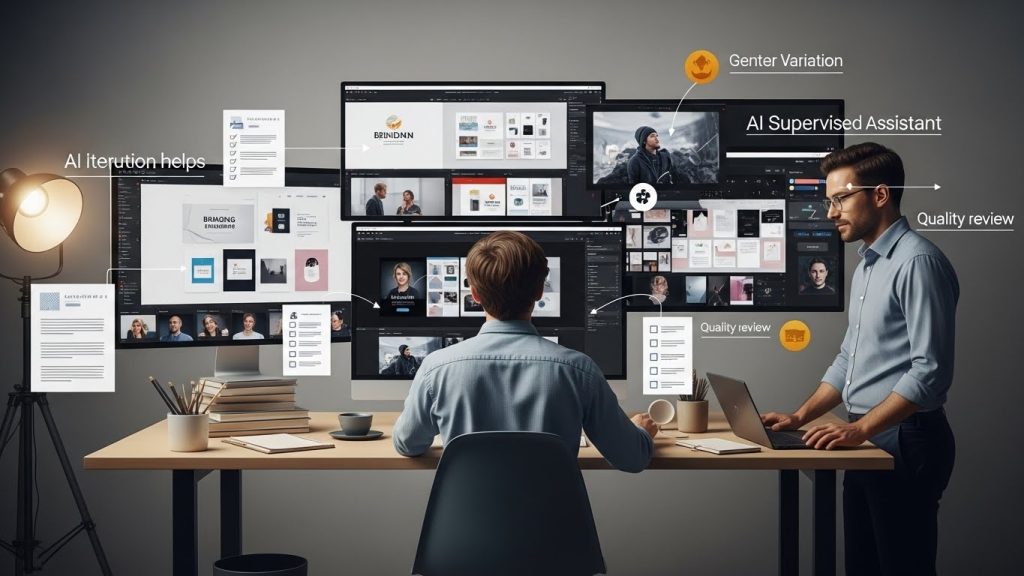
Client Communication: Selling the Invisible
How do you talk to clients about this? Some clients are excited; others are terrified of copyright issues.
The “Efficiency” Pitch
I frame AI as a cost-saving measure for them. “By using AI to assist with asset generation and retouching, we can reduce the estimated hours on the ‘production’ phase by 20%, allowing us to allocate that budget toward high-level strategy and market research.”
Clients love hearing that their money is going toward thinking rather than pixel pushing.
The “Customization” Pitch
“Instead of using the same stock photo your competitor is using, we will synthesize a unique image that no one else has.” This appeals to their desire for exclusivity.
The Future Role of the Designer
There is a pervasive fear that AI will devalue our work. If a client can type “make me a logo,” why pay us?
The answer lies in Curation and Taste.
AI can generate 1,000 bad logos in a minute. It takes a human expert to know which one is good, why it works, how it fits into a broader market strategy, and how to refine it for print production.
We are moving from being “Makers” to being “Directors.”
In the past, your value was tied to how fast you could use the Pen Tool or how well you knew the keyboard shortcuts. Now, your value is tied to your imagination, your knowledge of art history, your ability to articulate a prompt, and your ability to synthesize disparate ideas.
The Learning Curve
If you are overwhelmed, start small.
- Don’t try to do a whole project with AI.
- Next time you need a background texture, generate it rather than searching for one.
- Next time you have writer’s block, ask an LLM for 10 ideas.
- Next time you have a photo that is too narrow, use Generative Expand.
How to use AI for graphic design projects is not a binary switch. It is a slow integration of new capabilities into your existing toolbox.
Conclusion
The designers who will thrive in the coming years are not the ones who fight the machines, nor the ones who let the machines do everything. They are the hybrids. The Centaurs. The designers who treat AI with a healthy mix of skepticism and curiosity.
We have been given a tool that removes the tedium of our craft. It removes the hours spent masking hair strands, the hours spent searching stock sites for a specific shade of blue, and the hours spent mocking up ideas that get rejected.
What we do with that saved time is up to us. We can produce more work, or we can produce better work. We can spend that time on typography, color theory, talking to our clients, and being human.
The blank canvas is no longer something to fear. It’s just the starting point for a conversation between you and the algorithm. And make no mistake: You are still the one leading that conversation. The eye that judges the final output is yours. The hand that signs the contract is yours. And the creative soul that drives the project? That’s something the machine still hasn’t figured out how to replicate.