
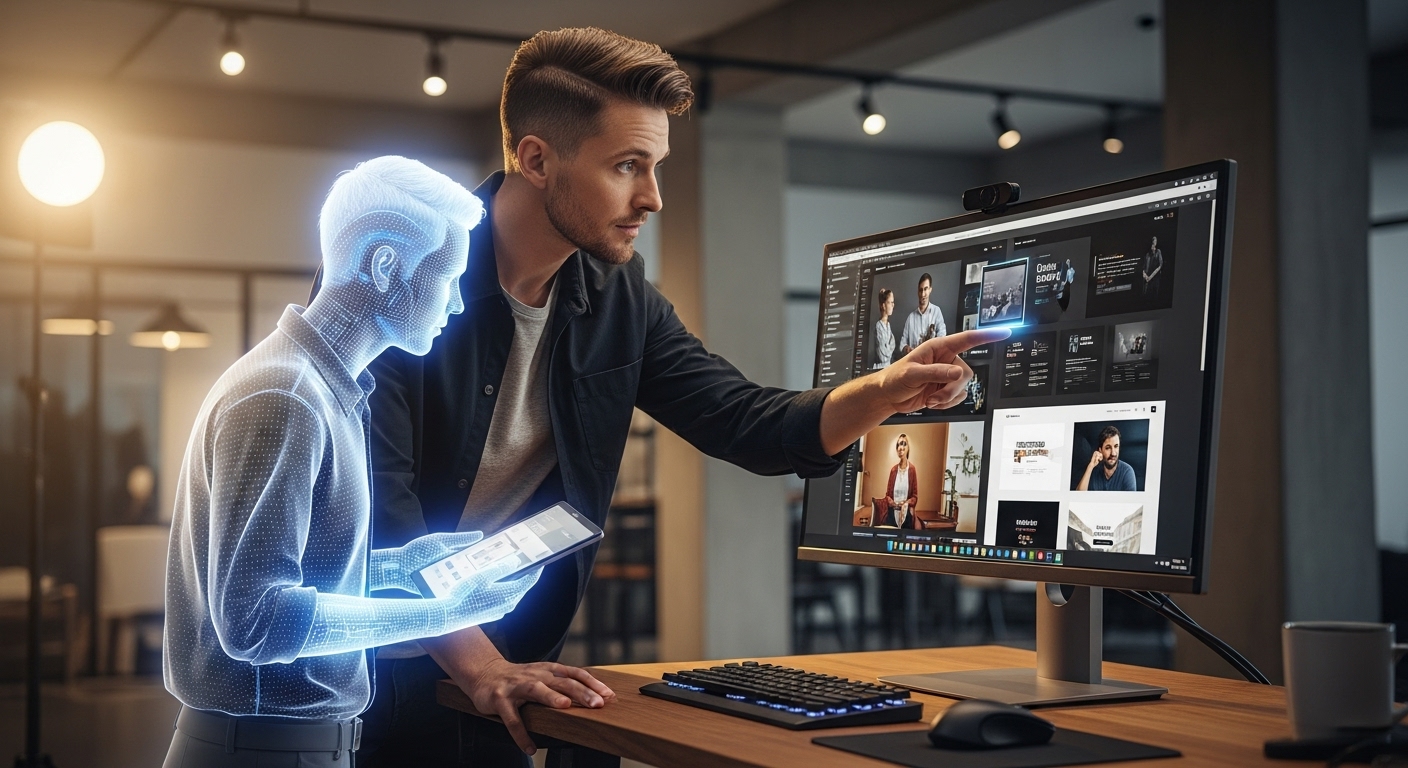
I still remember the late nights I used to spend staring at an empty content calendar. It was usually around 2:00 AM, the blue light from my monitor burning my eyes, as I tried to resize a single hero image for Instagram, LinkedIn, Twitter, and TikTok, realizing the focal point was cut off in every single vertical crop.
If you work in social media or run a brand, you know the drill. The beast needs feeding. The algorithm demands volume, but your audience demands quality. For years, that was the impossible trade-off: you could be fast, or you could be good. You could rarely be both.
A fundamental transformation has occurred. We are navigating the most significant disruption to creative workflows since the introduction of Photoshop. The catalyst is clear: AI design tools for social media branding.
At first, I was a skeptic. Early AI image generators were, frankly, terrifying. We all remember the nightmare fuel: hands with seven fingers, eyes looking in two different directions, and that glossy, plastic sheen that screamed “fake.” I worried that using these tools would cheapen the work I did for my clients.
After eighteen months of rigorous testing and strategic integration of these tools into agency workflows, it is evident that the landscape is entirely new. We now construct scalable, branded design systems that enable small teams to deliver results on par with global corporations, not merely experimental digital art.
The question is no longer if you should use AI design tools for social media branding, but how to do it without losing your soul—and your brand identity—in the process. The key takeaway: Embrace AI as part of your workflow while maintaining authenticity and intentionality in your brand.
Part 1: The “Junior Designer” Mindset
Before launching any software, it is essential to address the mindset required to use AI successfully. The most common error I observe—from local businesses to Fortune 500 marketing teams—is regarding AI as a transactional service. Entering a prompt will not deliver a finished, polished result without direction.
That rarely happens. And when it does, it usually looks like stock photography on steroids.
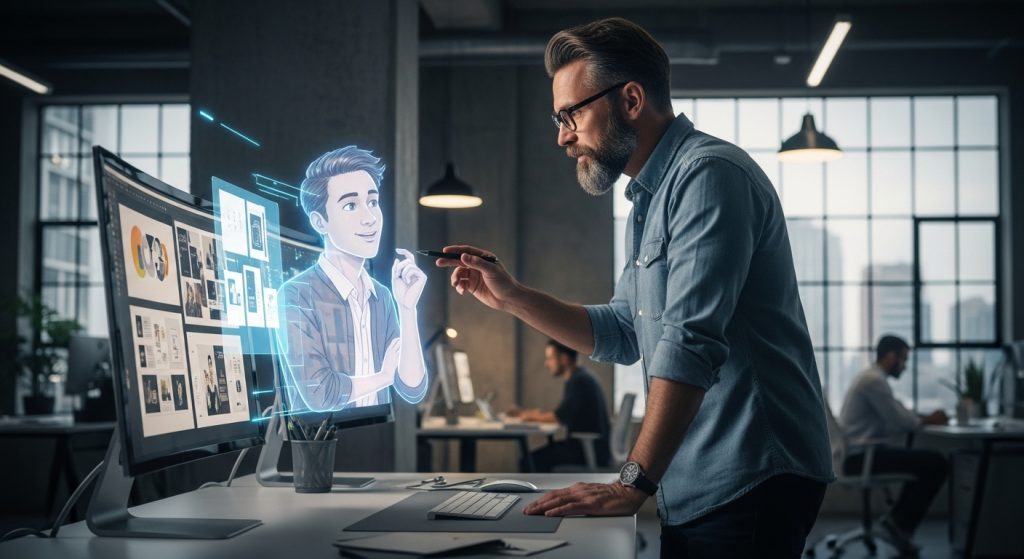
I treat AI design tools like a hyper-talented, incredibly fast, but slightly chaotic Junior Designer or Intern. They have immense technical skill. They can render lighting that would take me ten hours to paint by hand in seconds. But they lack context. They don’t know your brand guidelines, they don’t understand cultural nuance, and they will absolutely hallucinate a coffee cup floating in mid-air if you aren’t paying attention.
To succeed with AI design tools for social media branding, you must elevate yourself to the role of Creative Director. Your job is no longer just moving pixels; it is curation, direction, and strategy. You guide the output. You edit. The tools handle the heavy lifting—rendering, resizing, and iteration—so you can focus on the story.
Part 2: The Essential Toolkit
Roughly a thousand new AI tools launch on Product Hunt every week. I have tried most of them and cancelled subscriptions to most of them. For a professional social media workflow, you need reliability, control, and commercial safety.
Here is the stack that actually works in a production environment, organized by the problems it solves.
1. The Heavy Lifters: Midjourney and Adobe Firefly
When you need to create raw imagery from scratch—a hyper-realistic photo of a product that doesn’t exist yet, or a surrealist illustration for a blog header—these are the heavyweights.
Midjourney remains the undisputed king of aesthetics. The v6 model understands lighting, texture, and composition in a way that feels genuinely photographic. I use this primarily for “mood” content.
- Real-World Application: If I’m managing a lifestyle brand, I might need background textures that match a specific seasonal vibe (e.g., “morning light hitting a rustic wooden table, top-down view, high grain”). Midjourney creates these assets in seconds, which I then use as backgrounds for product shots in Photoshop.
- The Consistency Hack: The hardest part of Midjourney used to be consistency. Now, using the “Style Reference” (–sref) feature, I can feed it a URL of a brand’s previous photoshoot. The AI analyzes the color grading and lighting style and applies it to new generations. This is the secret sauce for keeping a feed cohesive.
Adobe Firefly (integrated into Photoshop) is less about “creating art” and more about solving the mundane problems that eat up a designer’s day.
- The Killer Feature: “Generative Fill” is the single most useful feature for a social media manager. You have a horizontal photo from a shoot, but you need it to be a vertical Reel cover? Firefly expands the background seamlessly. It saves me hours of cloning and stamping. Because Firefly is trained on Adobe Stock, it is also “commercially safe,” a major selling point when I’m pitching to corporate compliance teams.
2. The Layout Engines: Canva Magic Studio & Adobe Express
Initial skepticism toward Canva as a design tool was unwarranted. Canva has rapidly and intuitively implemented AI capabilities, specifically to address professional social media needs.
Canva Magic Studio shines in adaptation. The “Magic Switch” feature is the antidote to my 2:00 AM resizing nightmares. You design one post for Instagram, hit a button, and it reconfigures the layout for a LinkedIn document or a Pinterest pin.
- Why it works: It doesn’t just stretch the image; it intelligently moves the text, buttons, and logo to fit the new aspect ratio. It’s not perfect—I usually have to nudge things into place—but it gets me 90% of the way there in 10% of the time.
3. The Specialists: Photoroom, Recraft, and Magnific
Sometimes you don’t need a whole scene; you just need a specific asset.
- Photoroom: indispensable for e-commerce brands on social media. It removes backgrounds instantly and uses AI to generate realistic studio settings. Instead of renting a studio to shoot a water bottle on a marble counter, Photoroom can simulate the lighting and reflection of the bottle on that surface. It looks shockingly real if you dial in the shadows correctly.
- Most AI generates raster images (i.e., pixel-based). Recraft generates SVGs (vectors). This is crucial for creating icons, badges, or simple illustrations that need to be scaled up for a billboard or down for a business card without getting pixelated.
- Magnific AI redefines the upscaling space by adding detail as images enlarge. For brands repurposing low-resolution, user-generated photos, Magnific is vital—restoring lost texture and sharpness with remarkable precision.
Part 3: The “Sandwich Method” Workflow
The tools are great, but the workflow is everything. If you rely 100% on AI, your brand will look robotic. If you rely 100% on manual labor, you will burn out.
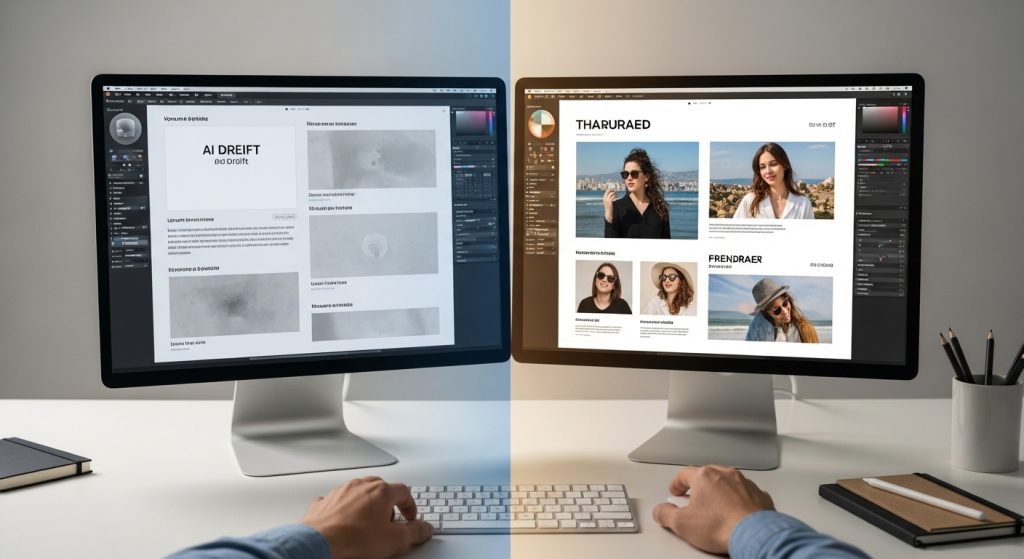
I’ve developed a workflow I call the “Sandwich Method” that balances efficiency with brand safety. This is how we actually build posts. Takeaway: Combine human direction, AI efficiency, and human finalization for optimal results.
Layer 1: The Bottom Bun (Human Strategy)
Every project must begin with a human-driven strategic concept. AI cannot act as the strategist. Critical questions—such as what the story, emotion, and color palette are—are defined by creative professionals.
The layout begins with a physical or digital sketch. Copy and branding guidelines are meticulously established before crafting any prompts. Direction is always deliberate, never improvised.
Layer 2: The Meat (AI Generation)
We use AI design tools for social media branding to generate the raw assets from that sketch.
- Need a background? Midjourney.
- Need to extend a photo? Photoshop Generative Fill.
- Need a model holding a generic coffee cup? Firefly.
We iterate fast here. We might generate 20 variations in 5 minutes, then discard 19 of them. This is the power of AI—speed of iteration.
Layer 3: The Top Bun (Human Finish)
Critical refinement occurs here. The top assets are integrated into professional design software for finalization.
- Brand color accuracy is enforced using Gradient Maps or LUTs to maintain absolute visual consistency.
- AI-generated text is never accepted. Brand fonts are always overlaid manually to ensure precision in typography hierarchy and kerning.
- Final assets are enhanced with grain, noise, or texture overlays to intentionally disrupt the AI’s digital gloss. Intentional imperfection is a critical differentiator.
This method ensures that AI is an accelerant, not the driver. The result is a piece of content that feels handcrafted but was produced in a fraction of the time. Key takeaway: Use AI to speed up your process, but always apply a human touch for authenticity and brand integrity.
Part 4: Escaping the “AI Glaze”
We have to talk about the aesthetic trap. AI models tend to gravitate toward the mean. If you ask for a “corporate office,” you get the same blue-tinted, glass-walled, diverse-group-laughing-at-salad image that everyone else gets.
We call this the “AI Glaze”—that overly smooth, perfect, soulless look. It kills social media engagement because users have developed blindness to it. Main takeaway: Avoid generic, AI-generated aesthetics to maintain engagement and stand out visually.
To build a strong brand, you need friction. You need texture. You need imperfections. Here is how to break the glaze using AI design tools for social media branding:
1. Specificity is King
Stop using empty adjectives like “beautiful,” “stunning,” or “impressive” in your prompts. The AI interprets these as “make it look like generic stock art.”
Instead, use technical photography terms.
- Bad Prompt: “A cool photo of a sneaker.”
- Good Prompt: “Product photography of a running shoe, floating mid-air, dynamic lighting, shot on 35mm lens, f/1.8, high contrast, motion blur, gritty street texture background.”
These technical terms force the AI to introduce optical flaws—like blur and depth of field—that make the image feel captured by a camera, not rendered by a GPU.
2. The Power of “In-Painting.”
Don’t try to generate the perfect image in one go. Generate a base, and then use “In-Painting” (available in Midjourney, Photoshop, and Stable Diffusion) to change specific details.
Does the model look too perfect? In-paint a messy bun hairstyle. Is the desk too clean? In-paint a stack of papers and a coffee stain. These small touches of chaos signal “reality” to the viewer’s brain.
3. Curate, Don’t Create
Treat your AI generations like a photoshoot. If you were on a real set, you would take 500 photos to get one hero shot. Do the same with AI. Don’t settle for the first result. The “Regenerate” button is your best friend. I often combine elements from three different generations—taking the lighting from one, the composition from another, and the subject from a third—and composite them in Photoshop.
Part 5: Brand Consistency and Training
The biggest objection to using AI design tools for social media branding is the fear of inconsistency. “If I use AI, my Instagram grid will look like a mess of different styles.”
This was true a year ago. It is not true today. You can now “train” (or at least heavily guide) these tools to align with your brand identity.
Building Your AI Style Guide
Just as you have a PDF brand guidelines document for humans, you need a prompt library for your AI.
- Tokenize Your Brand: Identify the 5-10 words that consistently produce your brand vibe. For one client, our “magic string” of keywords is: “Minimalist, matte pastel colors, soft northern window light, sharp focus, symmetrical.” We append this string to every single prompt.
- Use Image Prompts: Most tools allow you to upload an image to influence the generation. I keep a folder of my client’s “Golden Images”—the best, most on-brand photos they have. I use these as reference images constantly to ensure the AI understands the color grading and lighting I want.
- Custom GPTs: For ChatGPT (which generates DALL-E 3 images), you can build your own. upload your brand guidelines, hex codes, and tone of voice. When you ask it for an image, it first references that data. This acts as a set of “guardrails” for the AI.
Part 6: Video – The New Frontier
While static images are great, social media is increasingly video-first. AI video is still in its infancy compared to image generation, but it is evolving rapidly.
Tools like Runway (Gen-2) and Pika Labs allow for “text-to-video” or “image-to-video.”
- Practical Use Case: I rarely use these for full commercials because the physics are still a bit wonky. However, they are incredible for moving backgrounds. If I have a static image of a product, I can use Runway to add subtle motion—clouds moving, steam rising from coffee, light shimmering on water.
- This turns a static post into a Reel or TikTok, which generally garners higher reach. It’s a low-effort way to create “stop-thumb” motion.
Furthermore, captioning tools like CapCut and OpusClip use AI to identify the most viral moments in your long-form videos, chop them into vertical clips, and add dynamic captions. This isn’t “generative” design, but it is a vital part of the visual branding toolkit for 2026.
Part 7: Ethics, Copyright, and the Law
We have to address this because it comes up at every boardroom meeting I attend. “Do we own this?” “Is this stealing?”
The legal landscape is still settling. As of right now (in the US context), the Copyright Office has stated that you cannot copyright a raw image generated purely by AI. However, you can copyright a work that includes AI elements if there is significant human creative input.
This is another reason why the “Sandwich Method” is critical. By compositing, editing, and adding human-designed typography, you are creating a derivative work that has a much stronger claim to copyright protection than a work generated solely by a machine.
Ethical Considerations:
From an ethical standpoint, I advise transparency. If an influencer is fully AI-generated, disclose it. If a product demo is simulated, say so. Trust is the currency of social media; do not burn it to save a few dollars on production.
Also, be mindful of artists’ styles. I strictly forbid my team from using prompts like “in the style of [living artist name].” It is legally murky and ethically gross. Instead, describe the style: “thick impasto brushstrokes, vibrant colors, expressionist movement.” This respects the creator economy while achieving the aesthetic you want.
Part 8: The ROI of AI Branding
Why go through all this trouble? Why not just stick to Canva templates or stock photos?
The answer is Scale and Personalization.
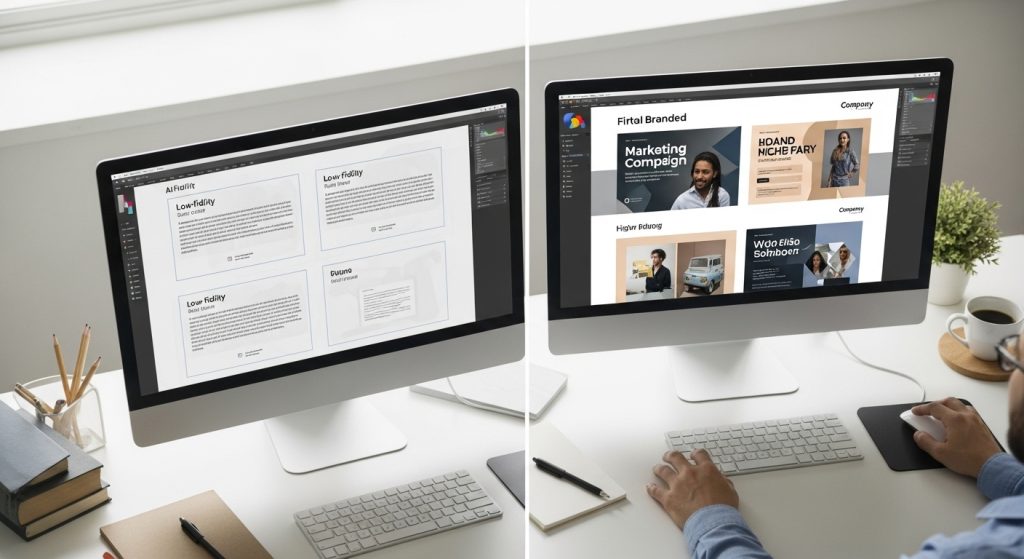
I recently worked with a small boutique fitness brand. Traditionally, they could afford one photoshoot a quarter. That meant their social media looked repetitive for three months. They had the same 20 photos of the same 3 models.
By integrating AI design tools into social media branding, we expanded those 20 photos.
- We used AI to change the backgrounds, placing the models in different cities to target different local demographics.
- We generated “macro” shots of textures (sweat on skin, fabric details) to break up the feed.
- We used Generative Fill to turn horizontal website banners into vertical Stories.
The result? They tripled their content output without increasing their production budget. Their engagement went up 40% because the feed looked fresh every day.
This is the ROI. It’s not about firing your designer; it’s about unchaining your designer from the grunt work so they can actually design.
Conclusion: The Human Element
We are moving past the novelty phase of AI in design. The “wow, a robot made this” factor is gone. Now, audiences just care if the content is good.
For social media branding, these tools are the great equalizer. Small businesses can now produce visual assets that previously required a five-figure photoshoot budget. Agencies can iterate ideas in minutes rather than days.
But the brands that win won’t be the ones who just click “generate.” They will be the ones who use these tools to tell better stories.
AI can create a face, but it cannot create a feeling. It can simulate a sunset, but it doesn’t know why a sunset is romantic or melancholic. That is your job.
So, go ahead and close that 2:00 AM tab. Let the AI resize the images. Let the AI generate the background textures. You save your energy for the big ideas, the strategy, and the human connection. That is something no algorithm can replace.