
For anyone deeply immersed in online marketing, content creation, or simply trying to share their passions effectively, Pinterest is an undeniable powerhouse. It’s not just a social platform; it’s a visual search engine, a digital mood board, and for many businesses and creators, a primary driver of traffic and sales. To truly succeed, however, you need visually stunning, on-brand, and highly engaging pins. This often means consistently producing high-quality Pinterest post designs. The demand for fresh, compelling visuals is relentless, and for years, this meant countless hours in traditional design software, battling with layouts, fonts, and image optimization.
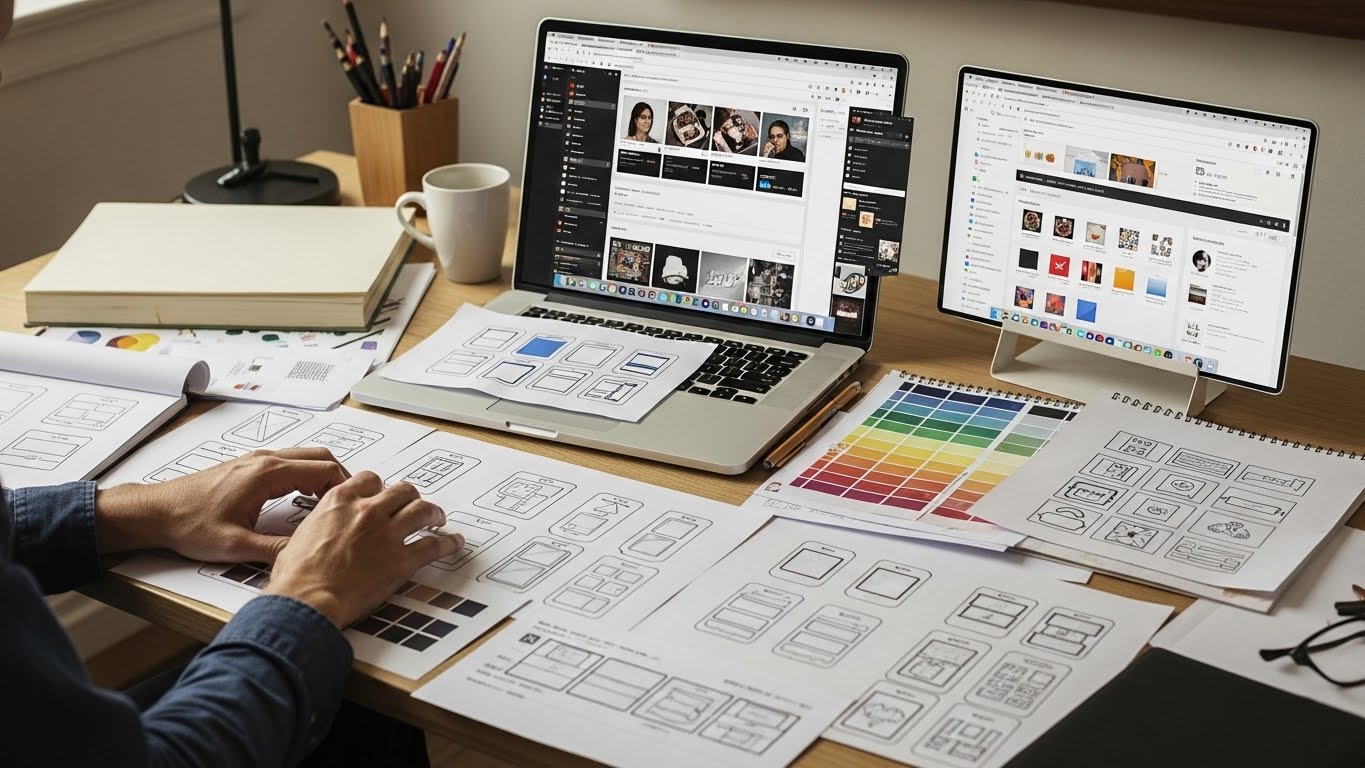
As someone who’s spent a significant chunk of my career meticulously designing pins, experimenting with layouts, and chasing the ever-evolving trends of what captures attention on the platform, I can tell you this: it’s a marathon, not a sprint. My desk was perpetually cluttered with sketch pads filled with pin ideas, and my browser tabs groaned under the weight of Pinterest trend reports and graphic asset folders. The quest for efficiency and impact, while maintaining a high standard of aesthetic appeal, was a constant tightrope walk. The sheer volume of content required to maintain a competitive edge on Pinterest meant that even with a strong design background, I often felt like I was running to stand still.

Then came a monumental shift. Over the last few years, a new breed of AI-based tools for Pinterest post design has entered the scene, offering something truly revolutionary: intelligent design assistants. These aren’t just glorified template libraries or automated filter apps; these are sophisticated AI design tools capable of streamlining, enhancing, and even inspiring the entire Pinterest design process in ways I frankly didn’t think possible a decade ago. I remember my initial skepticism, wondering if something truly “smart” could genuinely capture the nuance of human creativity and the subtle art of brand storytelling. Could an algorithm truly understand what makes a pin pop? But after diving in, experimenting extensively, and integrating these AI tools for Pinterest into my daily workflow, I’ve seen firsthand how they can utterly transform how we approach visual content for the platform. They don’t just make things easier; they empower creators to achieve more, faster, and with greater strategic impact.
The Grinding Reality of Pinterest Design in the Pre-AI Era
Let’s cast our minds back for a moment to the not-so-distant past, or even for those who haven’t yet embraced these new tools, to the present reality of manual Pinterest design. Creating effective pins was, and still is, an intricate dance involving:
- Conceptualization: Brainstorming unique angles, headlines, and visual metaphors for each piece of content. This involved researching keywords, understanding target audiences, and sketching out numerous ideas.
- Asset Gathering: Sourcing high-quality images, illustrations, icons, and background textures – often involving stock photo subscriptions, custom photography, or graphic design assets.
- Design Execution:
- Layout: Carefully arranging elements within Pinterest’s specific aspect ratios (2:3 is king, but new formats emerge). This meant ensuring visual hierarchy, balance, and flow.
- Typography: Selecting fonts that were both on-brand and highly readable at small sizes on mobile devices, then painstakingly adjusting sizing, leading, kerning, and color contrast.
- Color Palette: Adhering to brand guidelines while also ensuring colors stood out in the busy Pinterest feed and conveyed the right mood.
- Text Overlays: Crafting concise, compelling headlines and descriptions that quickly communicated value.
- Branding: Integrating logos, brand patterns, and consistent visual elements subtly yet effectively.
- Iteration and Testing: Creating multiple variations of a single pin to A/B test different headlines, visuals, or calls to action. This was often the most time-consuming part, as each variation required significant manual adjustment.
- Optimization: Ensuring file sizes were appropriate, images were sharp, and designs were responsive across various screen sizes.
For a single blog post, I might aim for 5-10 unique pins to maximize reach and test performance. Multiply that by dozens of blog posts, product launches, or seasonal campaigns, and you’re looking at a staggering amount of design work. Freelancers and small business owners, especially those without a dedicated graphic designer, often find themselves sacrificing quality for quantity, or simply burning out trying to keep up. The process was skill-intensive, time-intensive, and often creatively draining. It left little room for strategic thinking, as the bulk of the effort went into execution.
The Pinterest Visual Language: More Than Just Pretty Pictures
Before we delve into how AI-based tools for Pinterest post design are changing this narrative, let’s quickly revisit what makes a great Pinterest pin today. It’s no longer enough to slap a photo and a title together. Modern Pinterest pins need:
- Vertical Aspect Ratio: Tall pins (typically 2:3) dominate the feed and take up more screen real estate.
- Strong Visuals: High-quality, eye-catching imagery or graphics that instantly convey the pin’s topic.
- Clear, Compelling Text Overlay: Easy to read, concise, and benefit-driven. It’s the hook that stops the scroll.
- Brand Consistency: Recognizable colors, fonts, and logos that build trust and familiarity.
- Clear Call to Action: Guiding the user on what to do next, whether it’s “Read More,” “Shop Now,” or “Download.”
- Freshness: Pinterest rewards new content. Repinning old content isn’t enough; unique, fresh pins are key to maintaining visibility and signaling ongoing value.
The challenge lies in consistently producing pins that tick all these boxes, especially when you need a high volume to maintain visibility and test different angles. This is where intelligent design platforms truly shine, providing a powerful answer to the perennial question of how to scale Pinterest design without sacrificing quality.
What are “Intelligent Design Assistants” and How Do They Work for Pinterest?
Think of these tools as highly advanced digital apprentices, powered by artificial intelligence. They don’t replace your creative brain; they augment it. At their core, these platforms leverage powerful algorithms from various AI disciplines – such as machine learning, computer vision, and natural language processing – to understand design principles, analyze data, and learn from millions of successful visual examples. When you’re designing a Pinterest post, you can:
- Understand your intent through Natural Language Processing (NLP): You input text (headlines, descriptions, call-to-actions), upload images, define your brand colors, and the software begins to interpret your needs and goals. It can even suggest compelling copy variations.
- Generate optimal layouts using Machine Learning: Based on your inputs, Pinterest best practices (e.g., text-to-image ratio, safe zones), and learned design principles, they can generate multiple layout variations instantly. This saves you the tedious trial-and-error of manually arranging elements.
- Optimize visual elements with Computer Vision: They can analyze uploaded images to identify focal points, automatically remove backgrounds, suggest ideal crops for readability on a pin, or even recommend complementary graphic elements that fit the image’s style and color palette. They can flag issues such as poor text contrast against a complex background to ensure readability.
- Learn and adapt through continuous feedback: The more you use them, the more these AI design tools adapt to your specific brand aesthetic, preferred styles, and past performance data. This continuous learning makes future design tasks even faster and more aligned with your unique brand voice.
My own journey with these platforms started with cautious optimism. I’d tried various “easy design” tools before, but they often felt rigid, producing generic outputs that lacked distinctiveness. What changed with these new AI tools for Pinterest was the sophistication and depth of their intelligence. They aren’t just applying filters; they’re understanding the components of good design, how they interact, and, importantly, how they perform on a platform like Pinterest. They offer a nuanced approach that allows for both automation and customization.
Key Benefits I’ve Witnessed Firsthand from AI-based tools for Pinterest post design
Integrating these intelligent design aids into my Pinterest workflow has led to some truly remarkable improvements. Here are the standouts:
1. Unprecedented Speed in Idea Generation and Prototyping
This is perhaps the biggest game-changer. I remember a client who needed 30 unique pins for a new line of products, and they needed them yesterday. In the old days, that would have been a grueling, multi-day ordeal involving late nights and copious amounts of coffee. Now, I can upload their product shots, input key messaging and product benefits, and within minutes, the software can spit out dozens of distinct layouts and visual concepts. The sheer volume of high-quality initial drafts enables rapid prototyping. I then select the strongest ones, make a few strategic tweaks, and voila – a substantial portion of the work is done. I’ve personally seen a 70% reduction in the time spent on initial concepting alone. It liberates me to focus on the overarching strategy, the core messaging, and the unique selling propositions, rather than getting bogged down in pixel-pushing and repetitive design tasks. This acceleration means I can dedicate more time to market research, content strategy, and analyzing pin performance.
2. Ensuring On-Brand Consistency, Effortlessly
For businesses of all sizes, but especially for larger brands or agencies managing multiple clients, maintaining a cohesive brand identity across hundreds, sometimes thousands, of pins is not just important; it’s critical. Inconsistency erodes trust and diminishes brand recognition. These AI-based tools for Pinterest post design allow you to store your brand assets – specific hexadecimal color codes, approved font families, logos, brand patterns, and even stylistic guidelines – and apply them automatically to new designs. It’s like having a meticulous, infallible brand guardian that never forgets a single detail. For agencies, this is an absolute lifesaver. The days of hunting through complex style guides for the exact shade of blue or the precise padding around a logo are largely over. Every pin looks like it belongs to the same family, reinforcing the brand’s identity and building stronger recognition and trust with the audience. This consistency is vital for a visually driven platform where brand recall is key to driving repeat engagement.
3. Visual Optimization for Engagement
Pinterest is a crowded marketplace for eyeballs. A pin needs to pop, to stand out, and to convey its message instantly. These intelligent assistants are trained on vast datasets of Pinterest’s historical performance, indicating what visual elements, compositions, and text treatments drive engagement (clicks, saves, close-ups). They can then apply these learned insights to your designs, suggesting:
- Optimal text placement and sizing to ensure readability and avoid being covered by Pinterest’s interface elements (like the save button or pin descriptions).
- Color palettes that not only align with your brand but also evoke certain emotions or stand out effectively against common background colors found on Pinterest.
- Best practices for image composition, ensuring key elements are front and center, not cut off or obscured. This includes smart cropping and resizing.
- Readability checks automatically flag if your chosen font, size, and color contrast are insufficient for clarity across devices, especially on mobile screens, where most Pinterest browsing occurs.
- Dynamic elements for video pins or idea pins, optimizing timing and visual transitions.
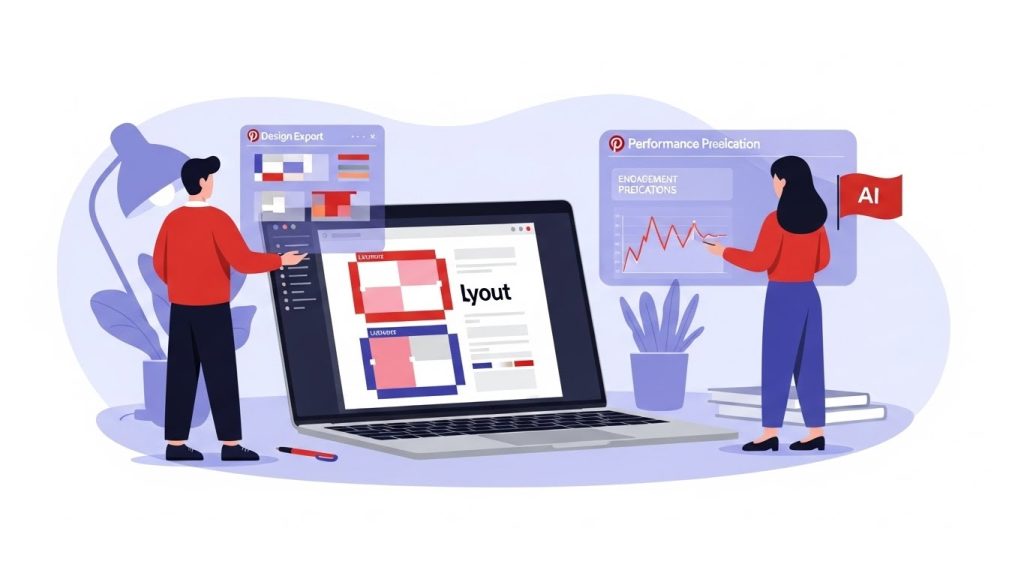
It’s like having a design guru and a data analyst looking over your shoulder at the same time, flagging potential issues before they even go live. This proactive approach saves time spent on manual adjustments post-publication and ensures higher-quality, more engaging output right from the start, significantly boosting the potential performance of your Pinterest post designs.
4. Scaling Content Repurposing with Ease
Content creators often have a wealth of material – blog posts, video transcripts, podcast show notes, infographics, social media updates, and even product descriptions – that can be repurposed into dozens, if not hundreds, of unique Pinterest pins. Manually extracting key quotes, finding relevant imagery, and designing fresh pins for each piece of content can be an overwhelming, almost Sisyphean task. Some of these smarter AI tools for Pinterest let you paste a blog post URL, analyze the content, suggest relevant images (or even generate new ones), pull out compelling headlines and key takeaways, and automatically draft several pin designs based on that information. The first time I used one of these to create a batch of 50 pins for a client’s comprehensive guide in a single afternoon, I was genuinely astonished. It effectively turns what would have been a week-long, mentally taxing task into a few hours of strategic refinement, allowing a single piece of content to fuel an entire month’s worth of Pinterest presence. This capacity for intelligent content atomization is a huge advantage for scaling content marketing efforts.
5. Adapting to Evolving Trends and Algorithm Changes
Pinterest trends are dynamic, fast-moving, and often unpredictable. What worked last year might not resonate today. New visual styles, typography preferences, or even pin formats (e.g., carousel pins, video pins, idea pins) emerge constantly. Manually tracking these trends requires constant vigilance and research. These intelligent platforms, especially those that are deeply integrated with Pinterest data or maintain their own vast databases of successful pins, can be updated to reflect current visual trends on the platform – popular color schemes, typography styles, layout formats that are performing well, or even seasonal aesthetics. This capability alone saves countless hours of manual trend-hunting and keeps your Pinterest design fresh and relevant, allowing creators to stay ahead of the curve without the constant, exhaustive research. As Pinterest’s algorithm evolves, so too can the recommendations from these AI tools, helping maintain optimal pin visibility.
A Detailed Walkthrough of an AI-Assisted Workflow
Let me walk you through a typical scenario to paint a clearer picture of how these tools integrate into a practical workflow. Imagine I’m creating pins for a new recipe blog post: “10-Minute Weeknight Pasta Dishes – Delicious & Easy!”
- Initial Input & Brand Integration: I open my chosen AI design tool and select the “Pinterest Pin” option. I then upload my high-quality food photography of the pasta dishes. Next, I paste the blog post title and a few key benefit-driven phrases I want to highlight, such as “Dinner in a Flash,” “Family Favorite,” “Healthy & Quick,” and “Meal Prep Friendly.” Crucially, the tool already has the blog’s specific fonts, logo, and pre-approved color palette stored as a brand kit. This ensures every design adheres to established guidelines right from the start.
- AI-Powered Concept Generation: Within moments, leveraging its understanding of Pinterest best practices and aesthetic principles, the AI presents me with a gallery of potential pin designs. This isn’t just one template with minor variations; it’s a diverse array of visual concepts:
- Some might feature a large hero image with a bold, legible text overlay centrally placed.
- Others might use a collage of ingredients or step-by-step photos, with text strategically integrated.
- A few could incorporate subtle graphic elements, such as distressed textures, minimalist borders, or playful cooking-themed icons.
- Some might suggest a split-screen, half-image, half-solid-color background with text.
- Even some video pin concepts might appear, stitching together short clips from a cooking demo.
- Intelligent Refinement & Customization: I scroll through the generated options, picking out layouts that immediately catch my eye or that I feel best represent the recipe’s vibe. For a few, I might activate the tool’s specific AI features:
- Smart Image Cropping: If an image’s focal point isn’t quite right, the AI can suggest optimal crops to highlight the most appetizing part of the dish for a 2:3 pin.
- Background Removal/Enhancement: Perhaps I want to isolate the pasta bowl from a busy kitchen background – the AI can do this with a single click. Or, it might suggest blurring the background slightly to make the text pop.
- Text Optimization: I might click on a headline, and the AI offers alternative phrasing for better SEO or a stronger emotional hook (e.g., changing “Delicious & Easy” to “Your New Go-To Meal Hack!”). It also checks contrast and legibility, suggesting color tweaks if needed.
- Element Resizing & Placement: The intuitive drag-and-drop interfaces allow me to make manual adjustments, but the AI often provides “smart guides” or “snap-to-grid” suggestions that help maintain professional alignment and spacing, even when I’m moving elements around.
- Batch Creation & Strategic Variations: Now, for the real magic and the core strength of these AI-based tools for Pinterest post design. Instead of painstakingly recreating the same design concept with minor alterations, I can tell the tool, “Create 10 variations of this particular layout, using different background images from my uploads, rotating through the additional headlines I provided, and perhaps trying two different font combinations.” The AI then intelligently handles these subtle shifts in layout, ensuring each pin is distinct enough to be considered “fresh content” by Pinterest, yet remains perfectly consistent with the chosen aesthetic and brand guidelines. This capability is paramount for efficient A/B testing and reaching diverse audience segments on Pinterest. I might generate:
- Pin 1: Large image, bold title.
- Pin 2: Image with “Dinner in a Flash” overlaid in a different font.
- Pin 3: Collage of ingredients, “Meal Prep Friendly” headline.
- Pin 4: Video pin concept, focusing on quick steps.
- And so on, all adhering to the chosen style.
- Export and Integration: With a click, all 10 (or 20, or 50) pins are exported in the optimal Pinterest dimensions, with ideal file sizes. Many tools even offer direct integration with Pinterest scheduling tools like Tailwind or Later, streamlining the entire process from concept to publication. This integration closes the loop, making the workflow incredibly efficient and seamless.
This comprehensive process, which once took hours per batch and often felt like a chore, is now condensed into a highly efficient and surprisingly creative session. It transforms Pinterest design from a time sink into a strategic lever.
Choosing the Right AI Tool for Your Pinterest Design Needs
The market for AI design tools is growing rapidly, and not all tools are created equal. When considering which AI-based tools for Pinterest post design to adopt, here’s what I recommend looking for:
- Pinterest-Specific Features: Does it understand Pinterest’s aspect ratios, safe zones, and current trends? Some general-purpose AI design tools exist, but specialized ones often yield better results for Pinterest.
- Ease of Use & Intuitive Interface: For non-designers, a steep learning curve can negate the benefits. Look for drag-and-drop functionality, clear instructions, and logical workflows.
- Brand Kit Management: The ability to easily store and apply your brand’s fonts, colors, and logos automatically is a non-negotiable for consistency.
- Content Repurposing Capabilities: How well does it handle taking existing content (blog posts, videos) and transforming it into pin-ready visuals and text?
- Batch Creation & Variation Generation: Crucial for scaling. Can it create multiple unique pins from a single input with minimal effort?
- Image & Text Optimization: Look for features like background removal, smart cropping, text readability checks, and AI-powered copy suggestions.
- Integration: Does it integrate with your existing marketing stack (e.g., Pinterest scheduling tools, project management software)?
- Pricing Model: Understand subscription costs, usage limits, and which features are included in each tier.
- Quality of Output: Test it out! Does the AI generate designs that genuinely look professional and appealing, or do they feel generic?
- Support & Resources: Good customer support and educational resources can make a big difference in getting the most out of the tool.
You’ll find different types of tools: some excel at AI-driven image generation for abstract pins, others focus on smart text overlays and layout optimization for informational pins, and a growing number specialize in creating dynamic video or Idea Pins. Assess your primary needs and choose accordingly.
The Nuances: Limitations and Ethical Considerations
While these intelligent design assistants are powerful, it’s crucial to approach them with a balanced perspective. They are tools, not magic wands, and certainly not replacements for human creativity and judgment.
- The Human Touch is Still Paramount: These platforms excel at execution, iteration, and data-driven optimization, but the initial spark, the truly unique angle, the innovative concept, the emotional connection, and the deep understanding of your audience – that still comes from us. If you simply rely on their default suggestions without any human oversight or creative input, you risk your pins looking somewhat generic or falling into the “uncanny valley” of design, lacking personality. Your unique brand voice and aesthetic need a human guide to truly resonate.
- Quality In, Quality Out: This principle remains as true as ever. The effectiveness of these AI design tools depends directly on the quality of the inputs. Poor-quality images, vague or uninspired text, or inconsistent brand assets will yield subpar results, no matter how “smart” the software is. AI can polish, but it can’t invent excellence from nothing. High-quality source material is essential.
- Data Privacy and Security: When uploading client assets, proprietary brand information, or sensitive content, always be mindful of the platform’s data privacy policies, terms of service, and security measures. Trustworthy providers prioritize robust data protection. Scrutinize where your data is stored and how it’s used.
- Over-reliance and Homogenization: There’s a slight risk that if everyone uses the same tools in the same way, the Pinterest feed could become visually homogenized, with many pins looking similar. The key is to use these tools as a springboard, not a final destination. Leverage their efficiency to generate a baseline, then infuse your unique twist, your brand’s personality, and your personal flair to differentiate your Pinterest post designs.
- Ethical Implications of AI-Generated Content: As AI becomes more sophisticated, questions arise about originality, intellectual property (especially if AI generates unique imagery or copy), and potential biases embedded in the training data. While current AI-based tools for Pinterest post design primarily assist with layout and content optimization, it’s a rapidly evolving space that demands awareness.
- Cost vs. Benefit: These platforms often operate on subscription models with varying feature tiers. For a solopreneur or small business, evaluating the monthly or annual cost against the quantifiable time saved, the improved output quality, and the potential increase in Pinterest traffic is a necessary and ongoing consideration.
- The Learning Curve: While designed for ease of use, mastering the advanced features and getting the most out of these tools still requires some learning. It takes time to understand their capabilities and integrate them effectively into your workflow.
Who Benefits Most from These Intelligent Design Aids?
Frankly, almost anyone using Pinterest for strategic purposes can benefit immensely, but certain groups stand to gain the most:
- Small Businesses & Solopreneurs: Often juggling multiple roles (designer, marketer, content creator, owner), these individuals have limited time and budget for professional design services. These tools democratize access to high-quality visual content, allowing them to compete effectively.
- Content Creators & Bloggers: The constant demand for fresh content to fuel blog traffic, drive affiliate sales, or build an audience makes these tools invaluable for maintaining a robust, active, and high-performing Pinterest presence without succumbing to burnout.
- Marketing Agencies & Social Media Managers: For managing numerous client accounts, each with its own brand guidelines and content calendar, these platforms provide scalable solutions for consistent, high-volume Pinterest design and campaign execution.
- E-commerce Stores: Rapidly creating pins for new product launches, seasonal promotions, sales events, or customer testimonials becomes significantly easier, enabling agile marketing campaigns.
- Course Creators & Educators: Visually breaking down complex information into digestible, engaging pins for courses, workshops, or educational resources is made simple and effective.
The Future Landscape of Pinterest Design with AI
The current generation of AI-based tools for Pinterest post design is impressive, but the future promises even more profound integrations and capabilities:
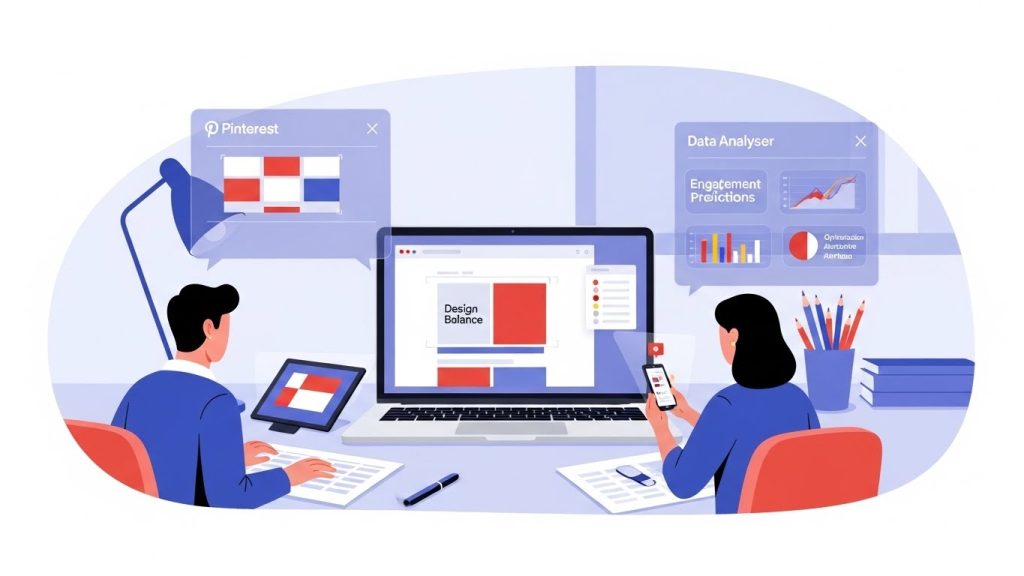
- Advanced Predictive Analytics: AI will not only suggest designs but also predict their likely performance on Pinterest based on your audience, niche, and historical data. This will allow for highly optimized pin creation before publication.
- Personalized Pin Generation: Imagine AI generating a slightly different version of a pin tailored to specific user demographics or interests, leveraging Pinterest’s own audience insights.
- Dynamic, Interactive Pins: AI could create more sophisticated video pins or Idea Pins with dynamic text, animated elements, and even user-driven interactive components, all generated semi-automatically.
- Smarter Content Summarization and Visual Storytelling: AI will become even better at understanding the core message of a long-form article or video and automatically generating compelling visual narratives and key takeaways for pins.
- Seamless Integration Across Platforms: Deeper integration with e-commerce platforms, CRM systems, and other social media channels for a truly unified content strategy.
- AI-Driven A/B Testing and Feedback Loops: Tools will not only suggest variations but also automatically run A/B tests, analyze the results, and refine future design suggestions based on real-world performance data.
The landscape of visual content creation has changed irrevocably. What was once a labor-intensive, often technical skill is now becoming more accessible, efficient, and dynamic thanks to intelligent design assistants. My own experience has shifted dramatically. Instead of spending hours on manual adjustments, I’m now liberated to focus on strategic decisions: “What message resonates best? Which visual concept aligns most with current trends and my audience’s desires? How can I truly surprise and delight my audience with truly unique, yet AI-assisted, Pinterest post designs?”
These AI tools for Pinterest empower us to produce more, faster, and often better, but they don’t diminish the need for human insight and creativity. Instead, they elevate it, freeing us from repetitive tasks so we can pour our unique vision into the crucial aspects of strategy, storytelling, and authentic brand connection. For anyone serious about making a significant and lasting impact on Pinterest, exploring how these powerful AI-based tools for Pinterest post design can augment your workflow is no longer optional; it’s a strategic imperative. The future of Pinterest post design, it seems, is a beautiful and highly productive collaboration between human ingenuity and intelligent assistance.